Images, Video, Audio, Scripts, Storyboards and Motion, in One Place
Create is where you make one thing at a time: a picture, a clip, a song or a voice line, a screenplay, a storyboard, or animated titles. Pick what you want in the prompt box, describe it, and see what it costs before you press Generate.
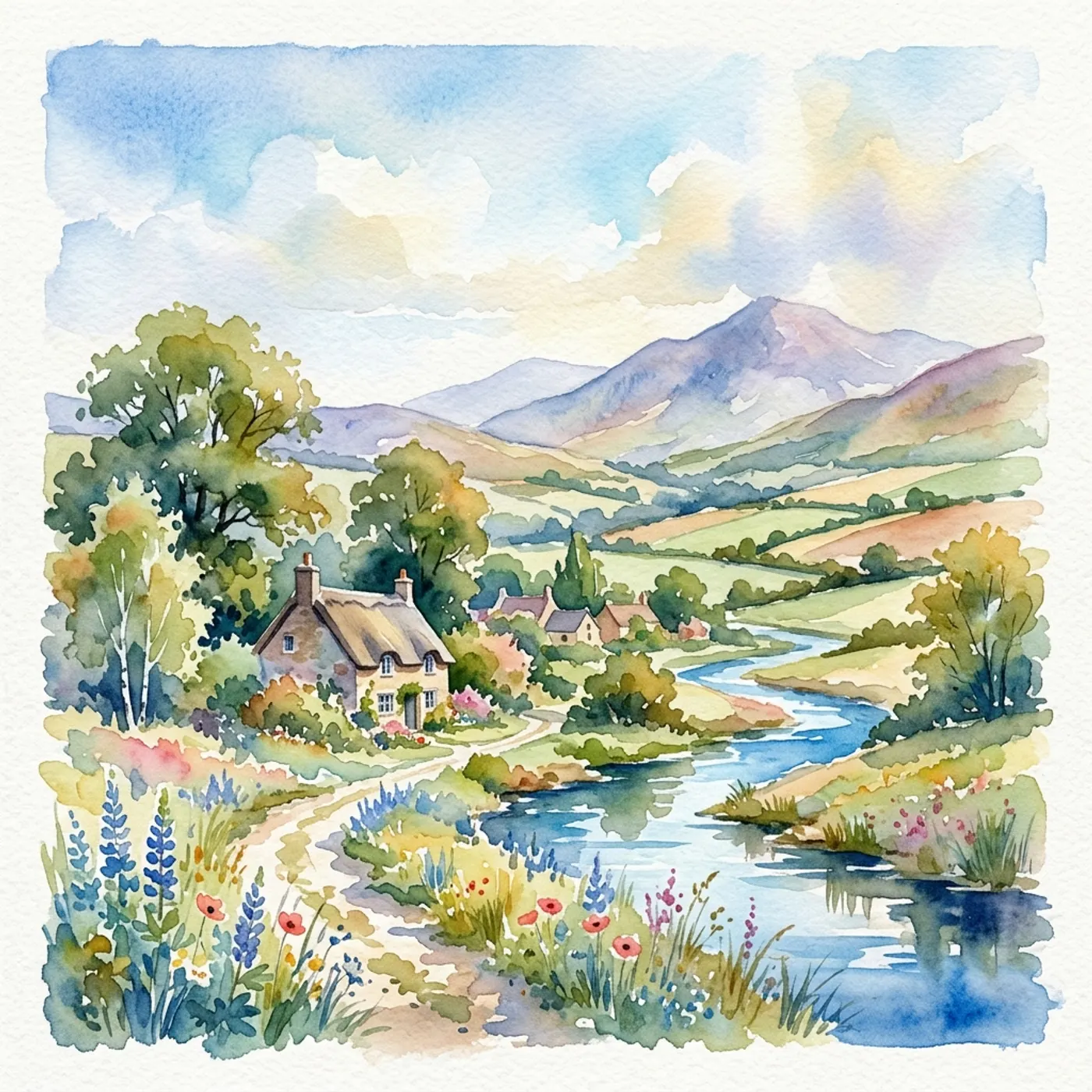
Where most AI tools stop
Most AI tools do one job. One makes pictures, another makes clips, a third makes music, and none of them know about each other. You end up copying files between sites, and the character in your video doesn't look like the one in your poster.
How Hyperdream does it
Hyperdream's Create puts it all in one box. Choose Image, Video, Audio, Script, Storyboard or Motion, and the leading models for that kind of work are right there, each with a plain note on what it's good at and what it costs.
Everything you make lands in your Library, so a still becomes the reference for a clip, a clip gets music, and a script becomes a storyboard, without leaving the page.
What you can make in Create
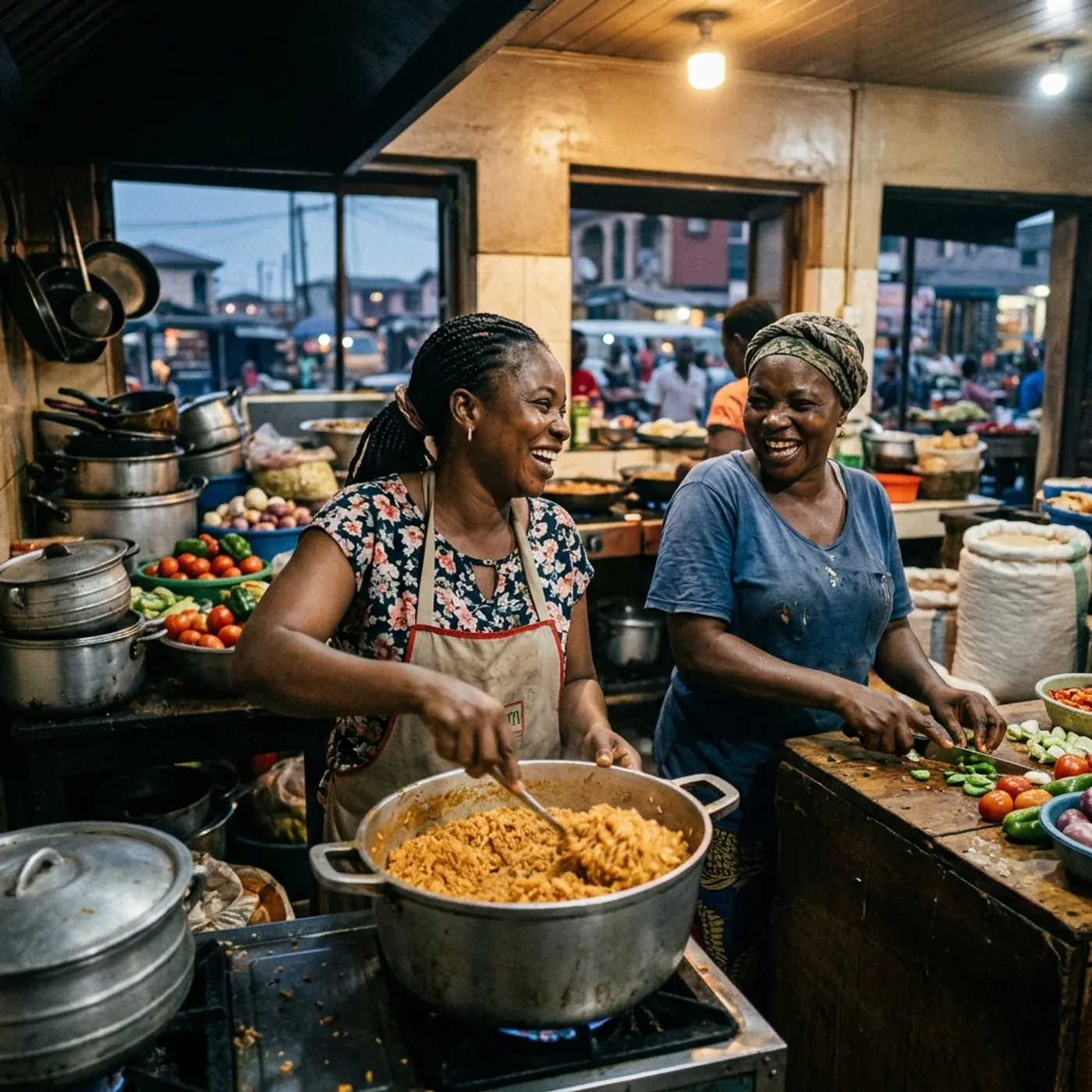
Images, and many versions of them
Characters, places and products, then variations: every angle, expression, outfit or light, still the same subject.
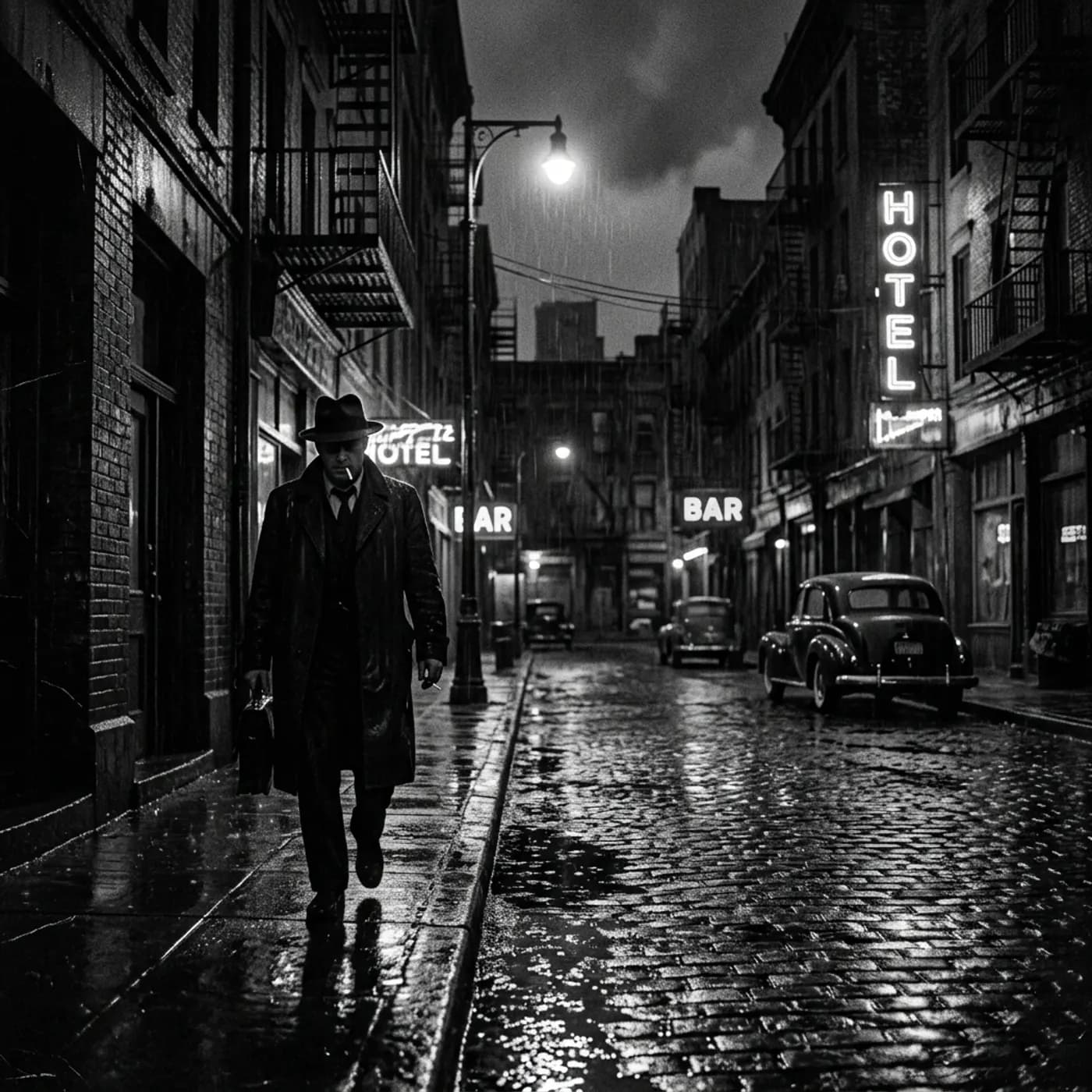
Video with the right model
Veo, Kling, Seedance, Hailuo, Wan and more side by side. Start or end on your own frame, with sound where the model makes it.
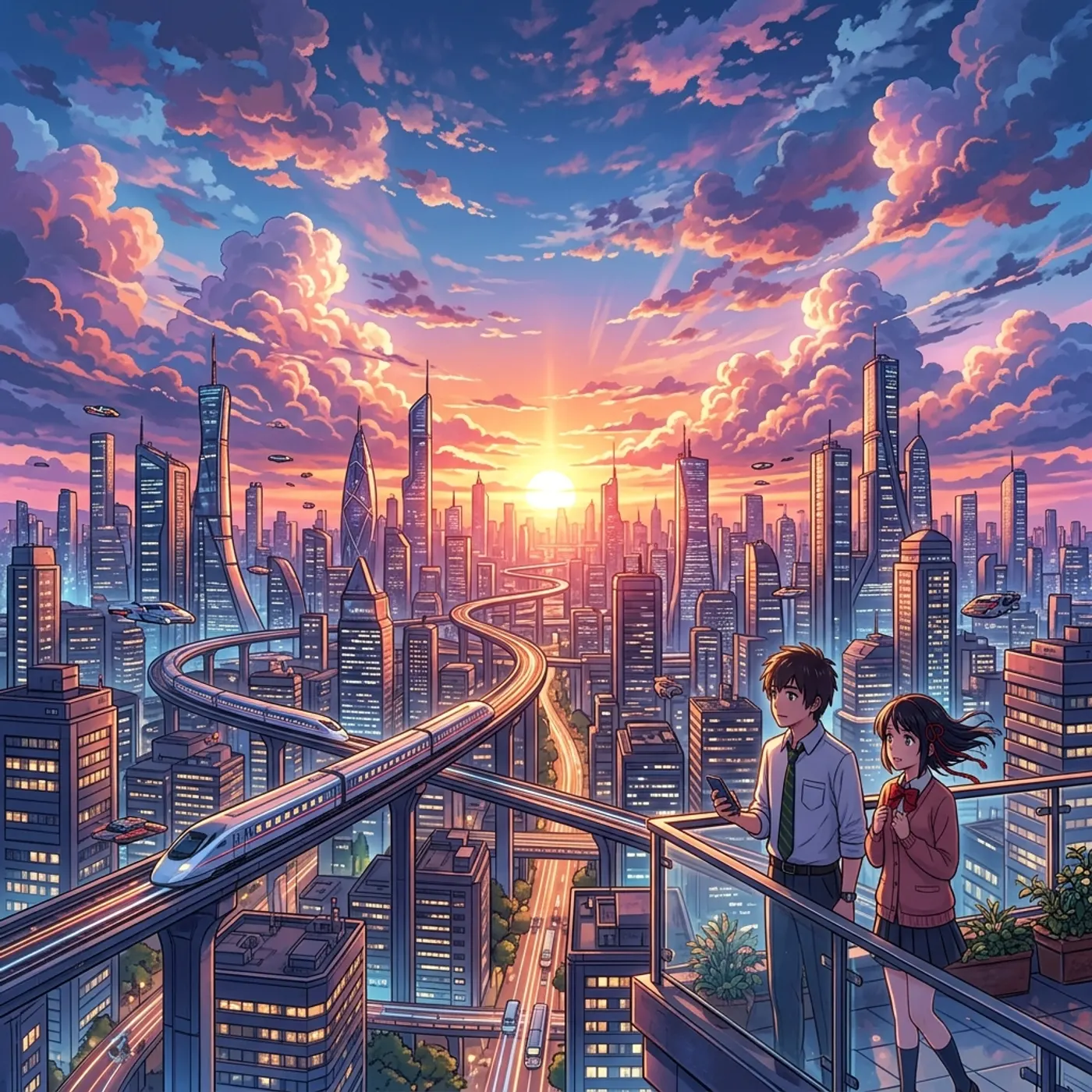
Music, songs, voice and sound effects
A score, a song in your own words, a voice line in many languages, or a sound effect, in as many versions as you want to compare.
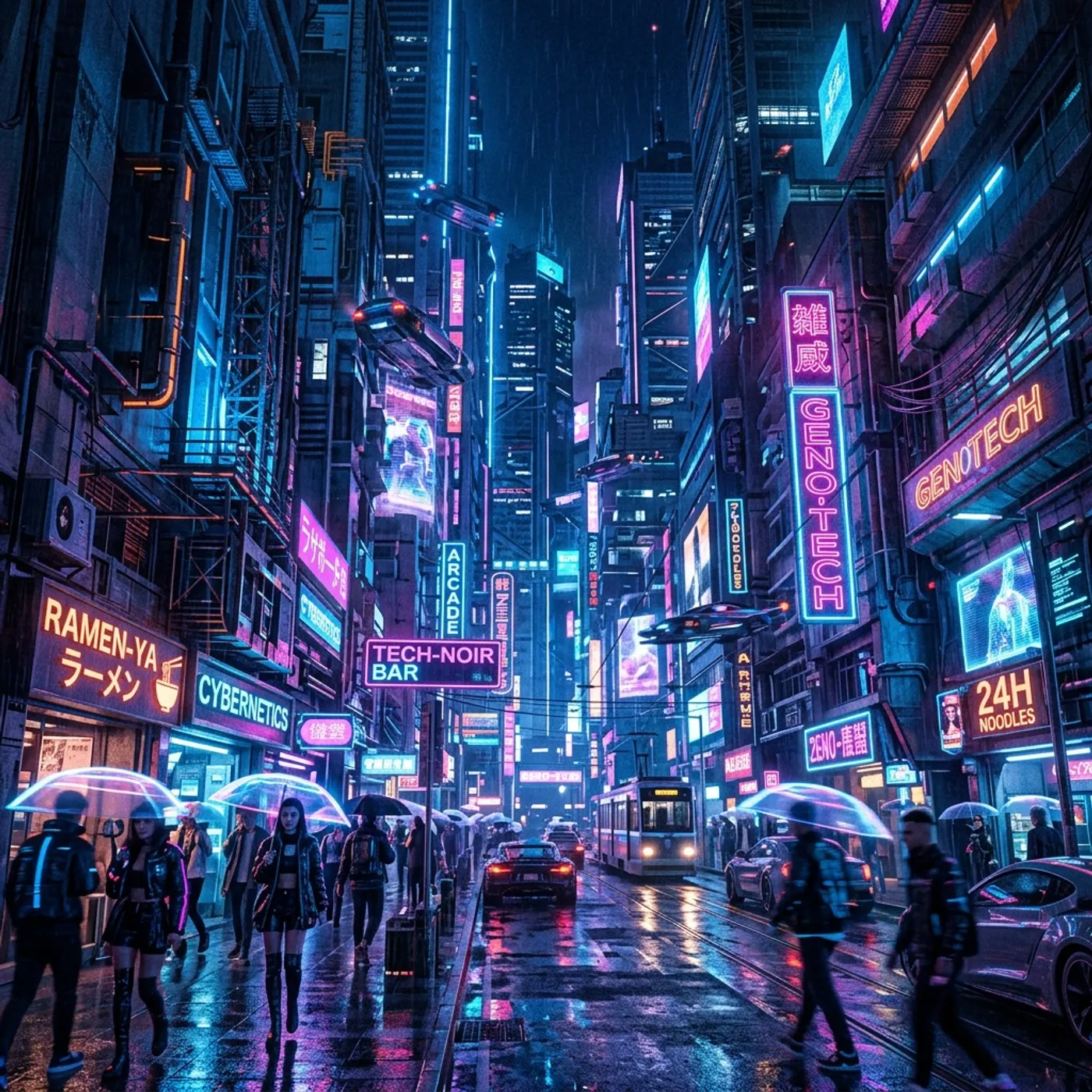
Scripts, storyboards and Motion
An idea becomes a screenplay, a storyboard you can see before paying for video, or animated titles drawn as vector graphics.
Making something, step by step
- 1
Pick what to make
Image, Video, Audio, Script, Storyboard or Motion, right in the prompt box.
- 2
Describe it
Type it or say it. Add reference images to keep a face or a product the same.
- 3
Choose the model and options
Shape, length, how many versions. The price shows before you start.
- 4
Generate and keep going
Edit by drawing on it, make more like it, or use it in the next thing. Failed renders refund automatically.
Questions
Images, video, music, songs, voice lines, sound effects, scripts, storyboards and Motion: animated titles, explainers and moving storyboards. For a whole film with a cast and shots, use Director.
Related
More than images and video
Scripts, storyboards, motion, and characters in every version. Each one on its own, or all of them in a film.
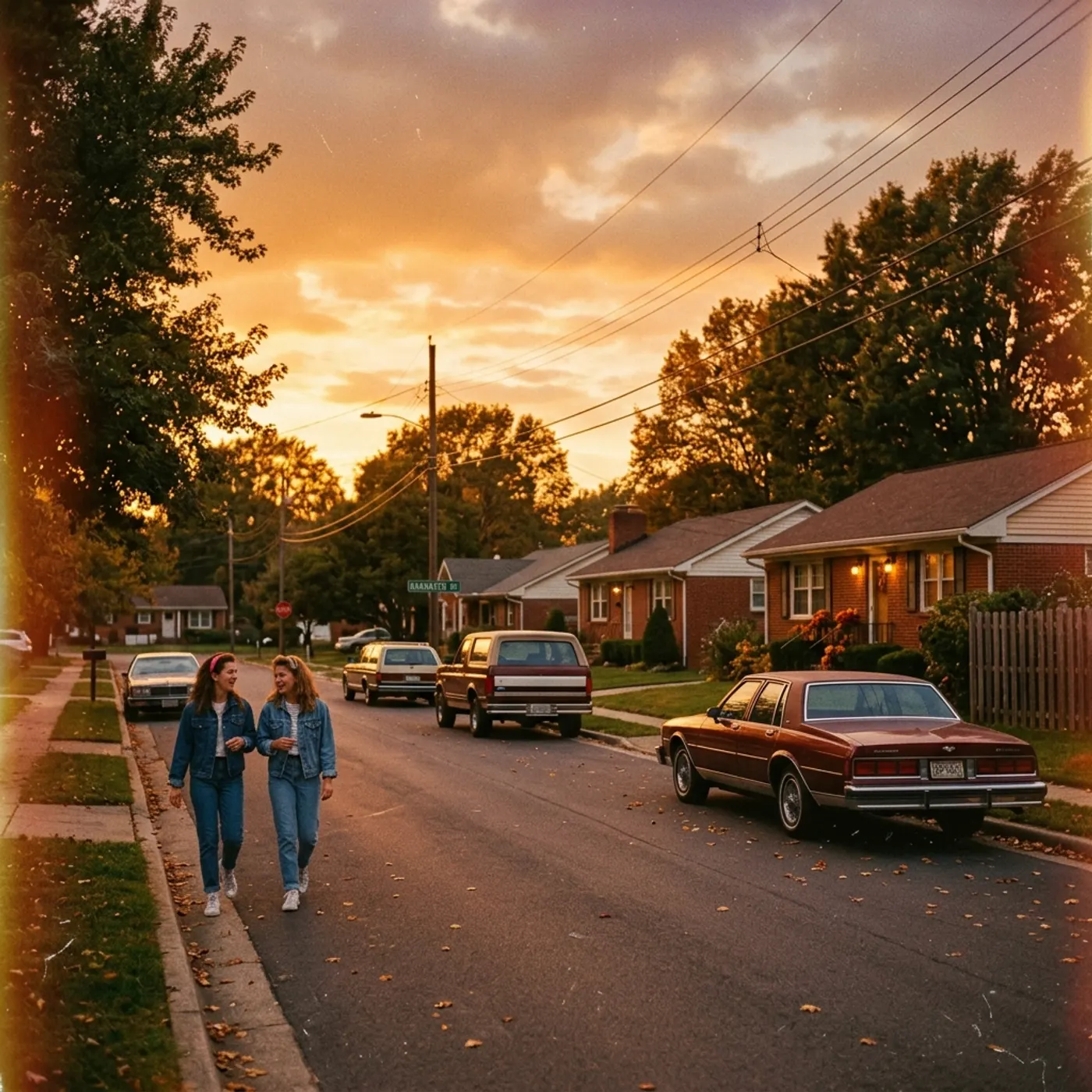
Write a script
An idea in, a properly formatted screenplay out. Edit any line, then board it or film it.
Board a storyboard
A panel for every shot, as AI stills or quick vector frames. Export it as a pitch deck.
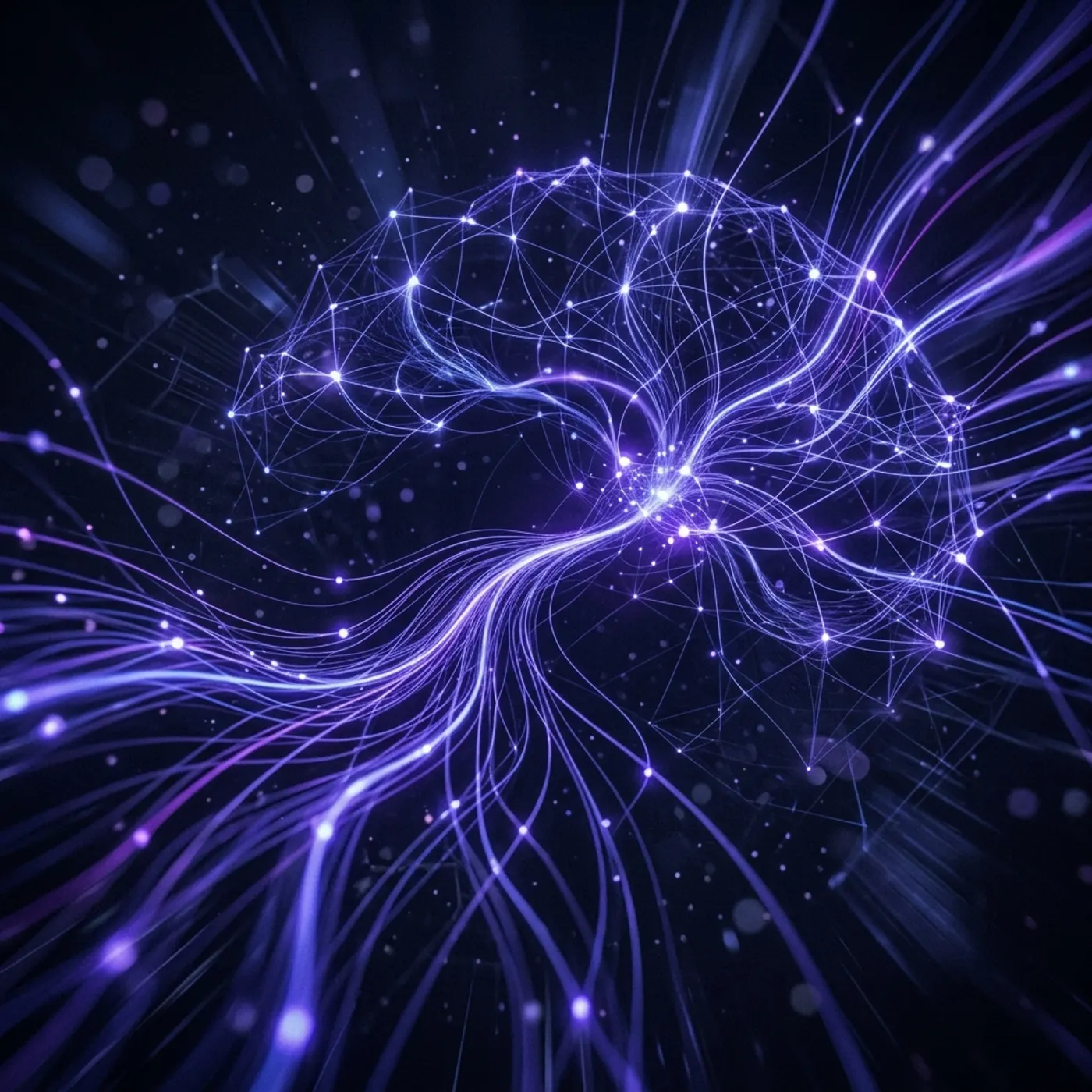
Make motion
Titles, explainers and moving storyboards, drawn as vector animation by the AI you pick.
Characters, places, products
One subject in many versions, or new ideas for it. Every angle, look and light.

Make the first thing
An image, a clip, a song or a script. Pick one and describe it.