Script to Video: Your Screenplay, Broken Into Shots
You've already written it. Paste the script and Hyperdream does the breakdown: characters, places, scenes and a storyboard for every shot.
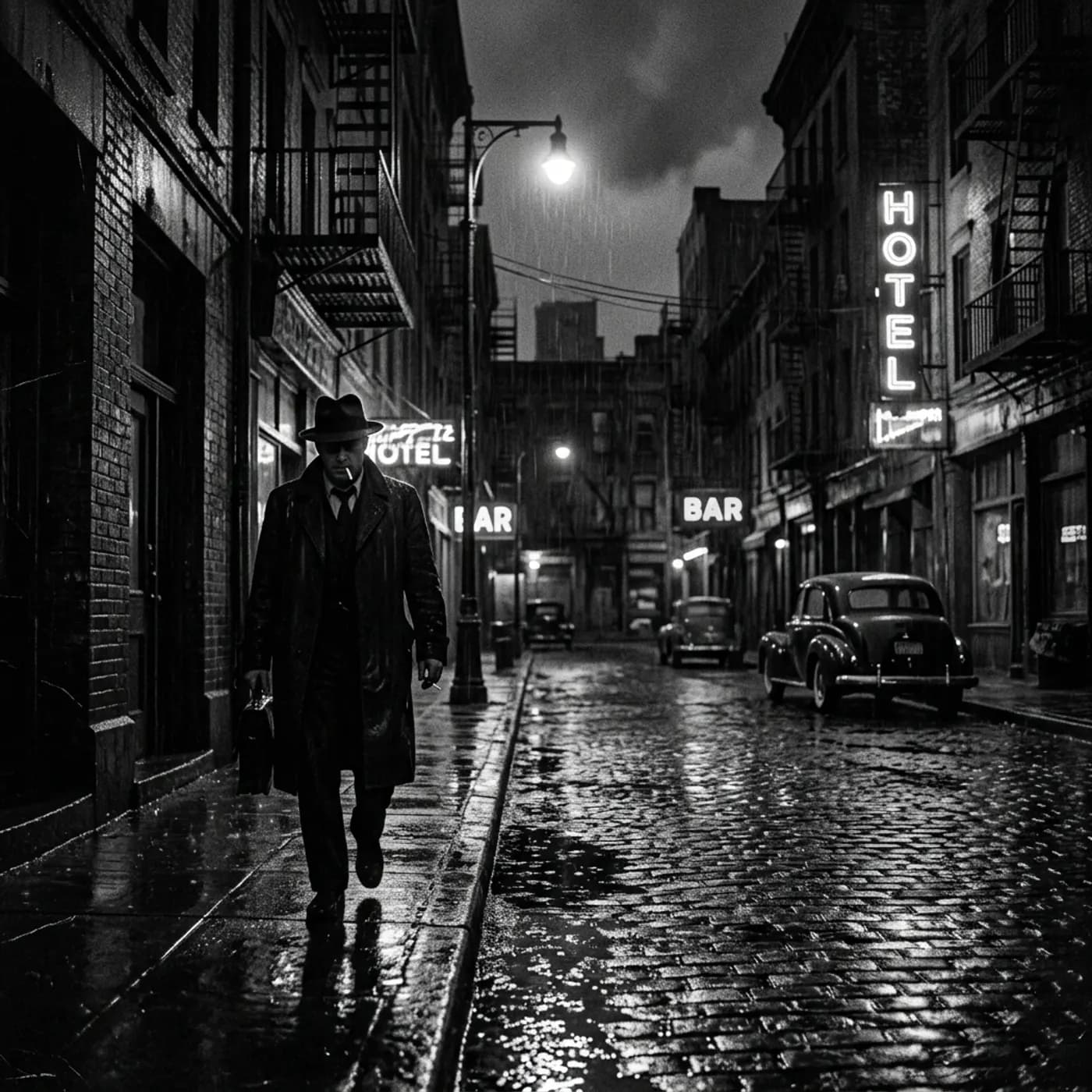
Where most AI video tools stop
Clip tools don't read scripts. You end up copying a line at a time into a prompt box, and every clip comes out with its own idea of what your characters and locations look like.
How Hyperdream does it
Paste your screenplay into Director's script step. It keeps your scene headings, action and dialogue as written, and lists every named character and location for you.
Each character and place gets a reference image you approve, and each scene is broken into shots with a still, a camera move and a length. You change what you disagree with, then render shot by shot.
What happens to your script
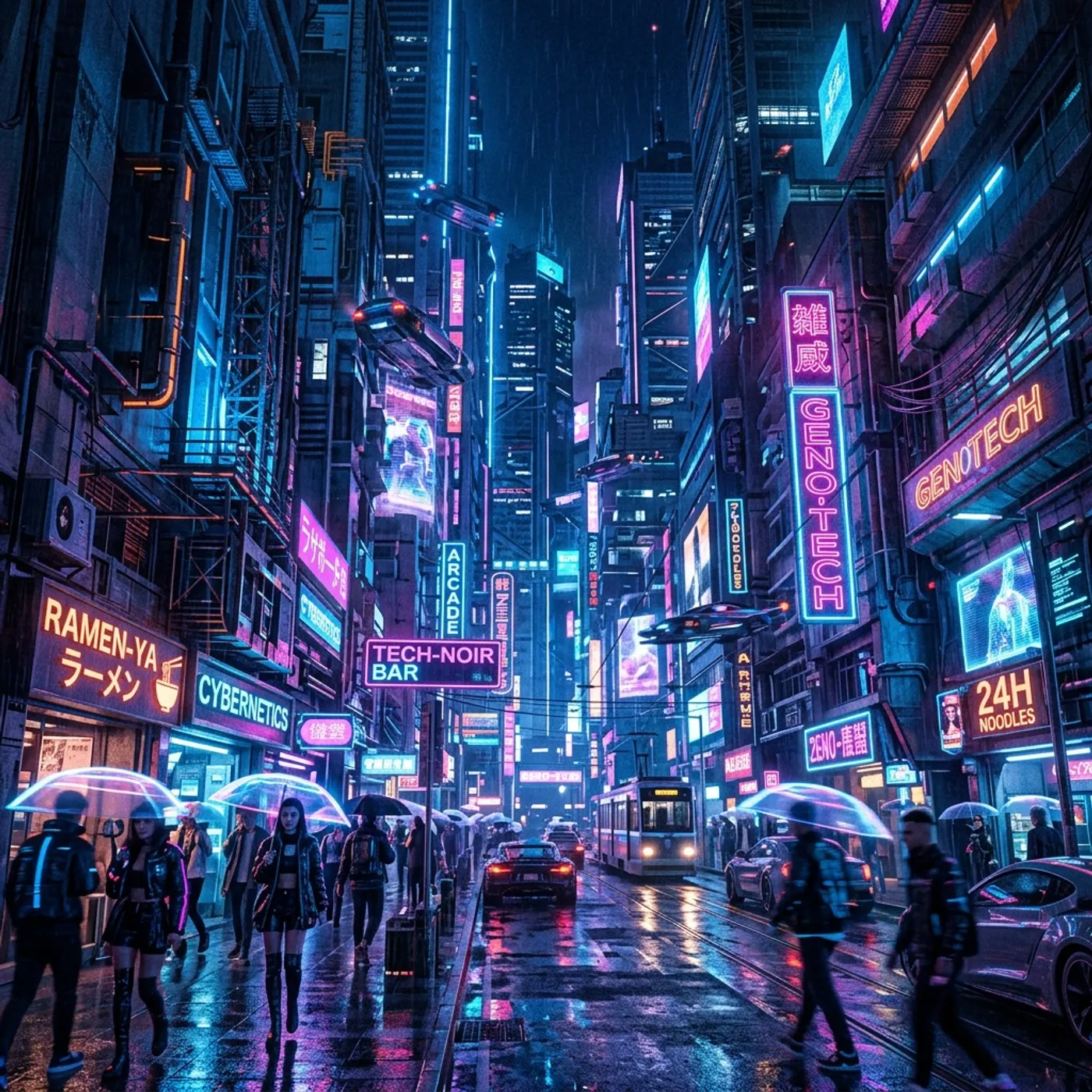
Your words stay yours
The screenplay editor keeps headings, action, characters and dialogue in standard format. Director only rewrites when you ask.
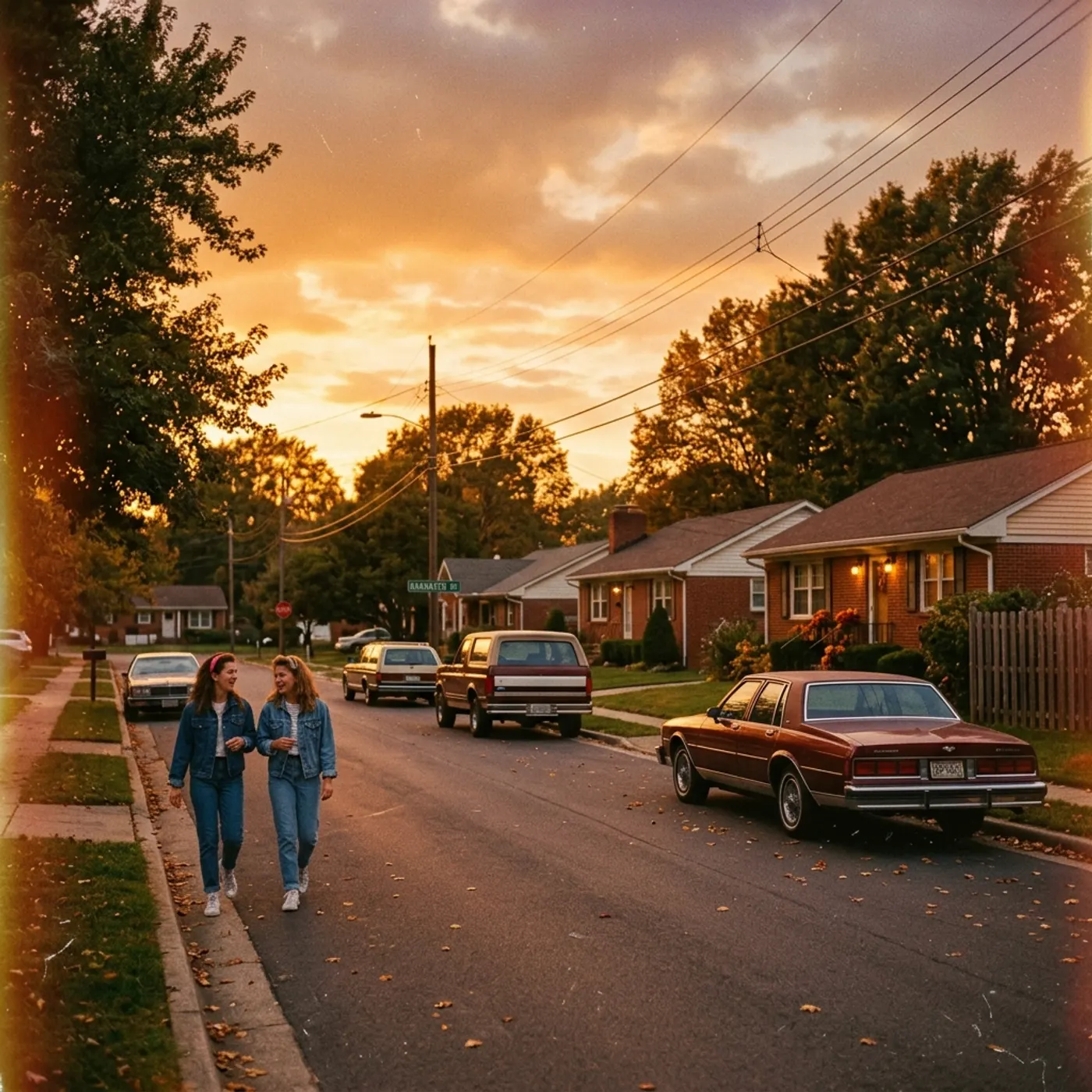
A breakdown done for you
Every named character and every location is pulled out into its own sheet, ready for a reference image.
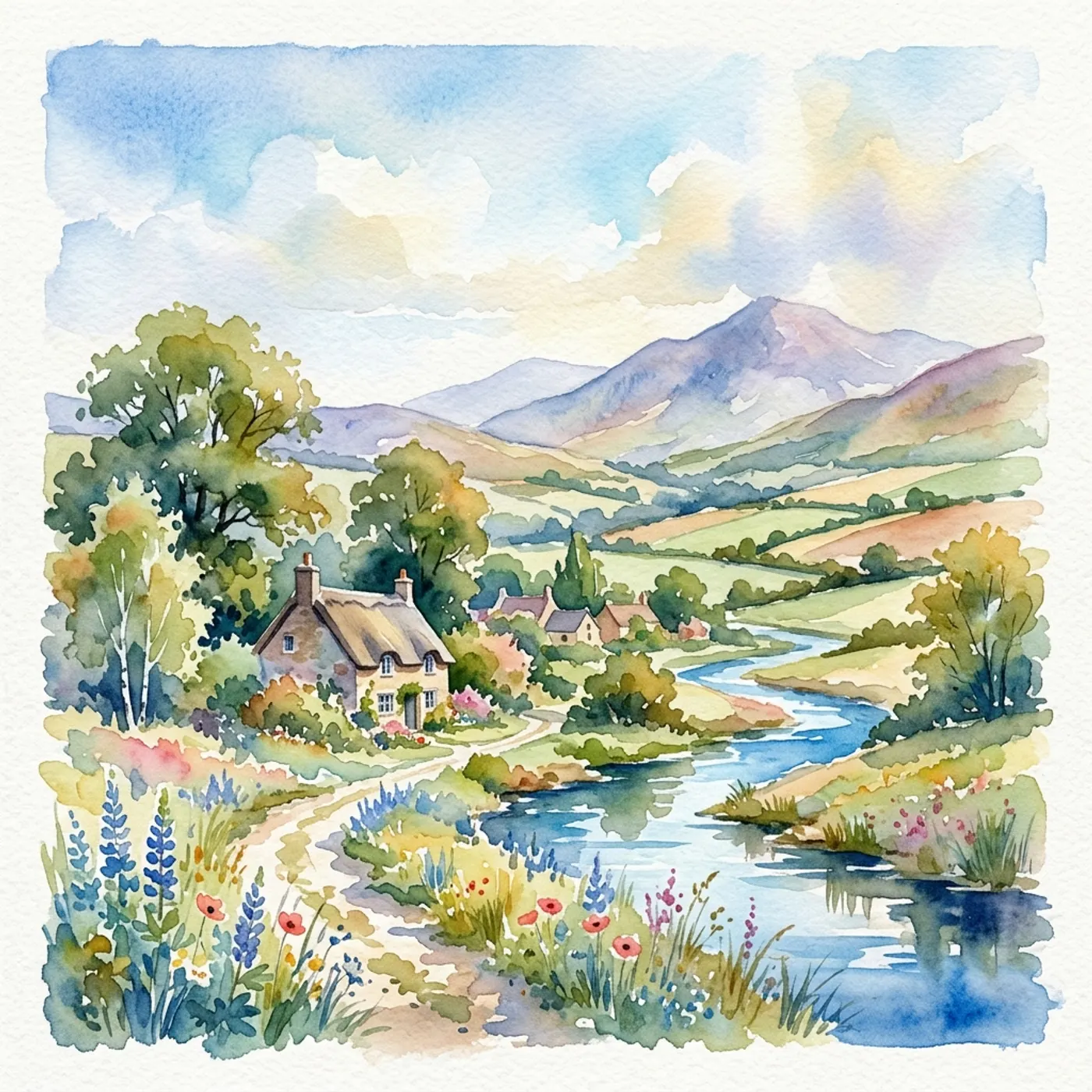
Scenes become shot lists
Each scene is split into shots with framing, lens, camera move and length, plus a still to judge it by.

Dialogue goes where it's spoken
Lines are attached to the shots they belong to, so you can pick a model that makes sound for those shots.
From page to shots
- 1
Paste the screenplay
Or type it in the script editor. Standard screenplay format works best.
- 2
Approve the cast and places
Check the reference sheet and description for each character, and the picture for each location. Swap any you don't like.
- 3
Review the shot list
Every scene as stills or a moving storyboard. Reorder, add or delete shots, and set the camera and lens.
- 4
Render and edit
Pick a model per shot and render, then cut the shots together on the timeline and export.
Questions
Yes. Paste it into the script step and Director keeps it as written, then breaks it into scenes and shots.
Related
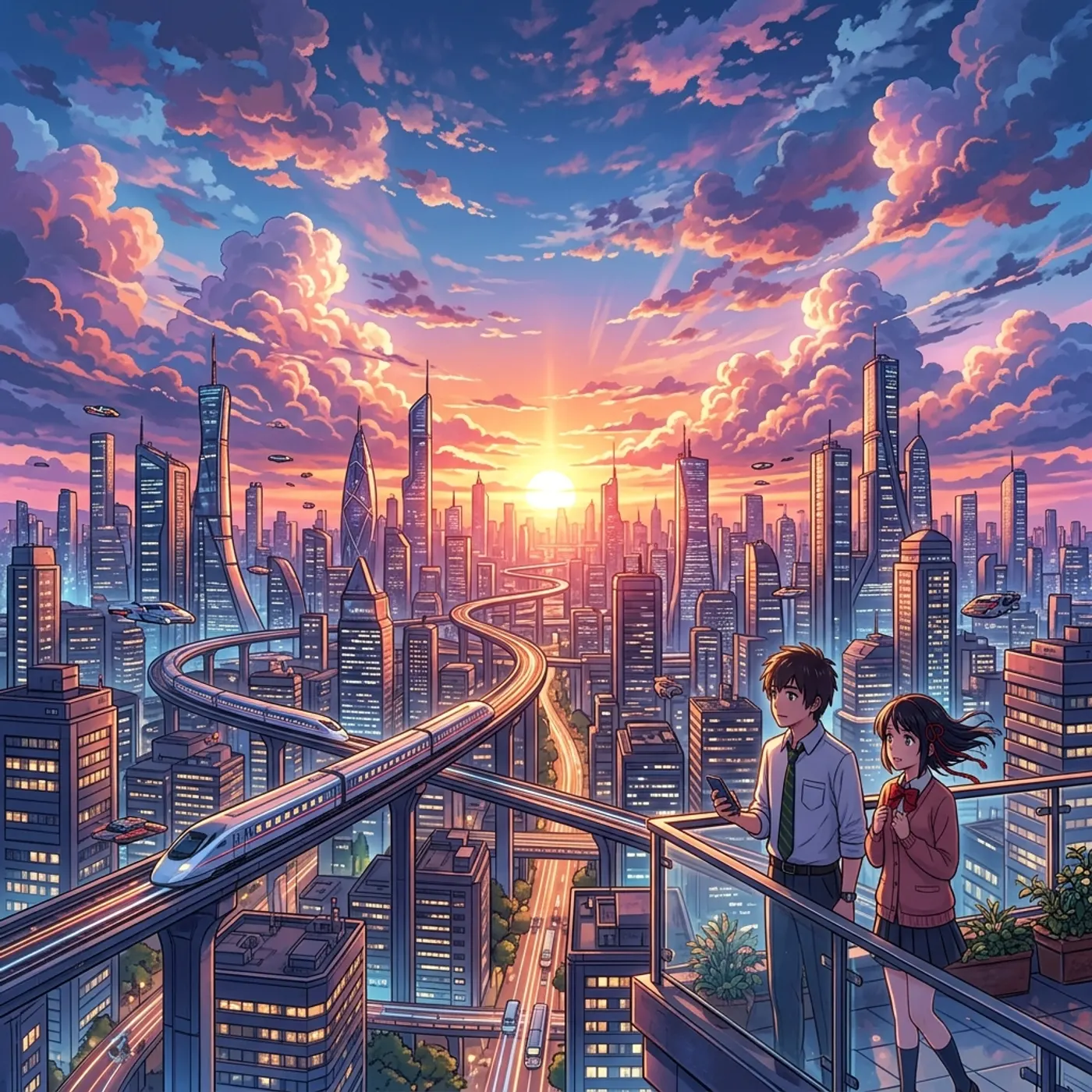
More than images and video
Scripts, storyboards, motion, and characters in every version. Each one on its own, or all of them in a film.
Write a script
An idea in, a properly formatted screenplay out. Edit any line, then board it or film it.
Board a storyboard
A panel for every shot, as AI stills or quick vector frames. Export it as a pitch deck.
Make motion
Titles, explainers and moving storyboards, drawn as vector animation by the AI you pick.
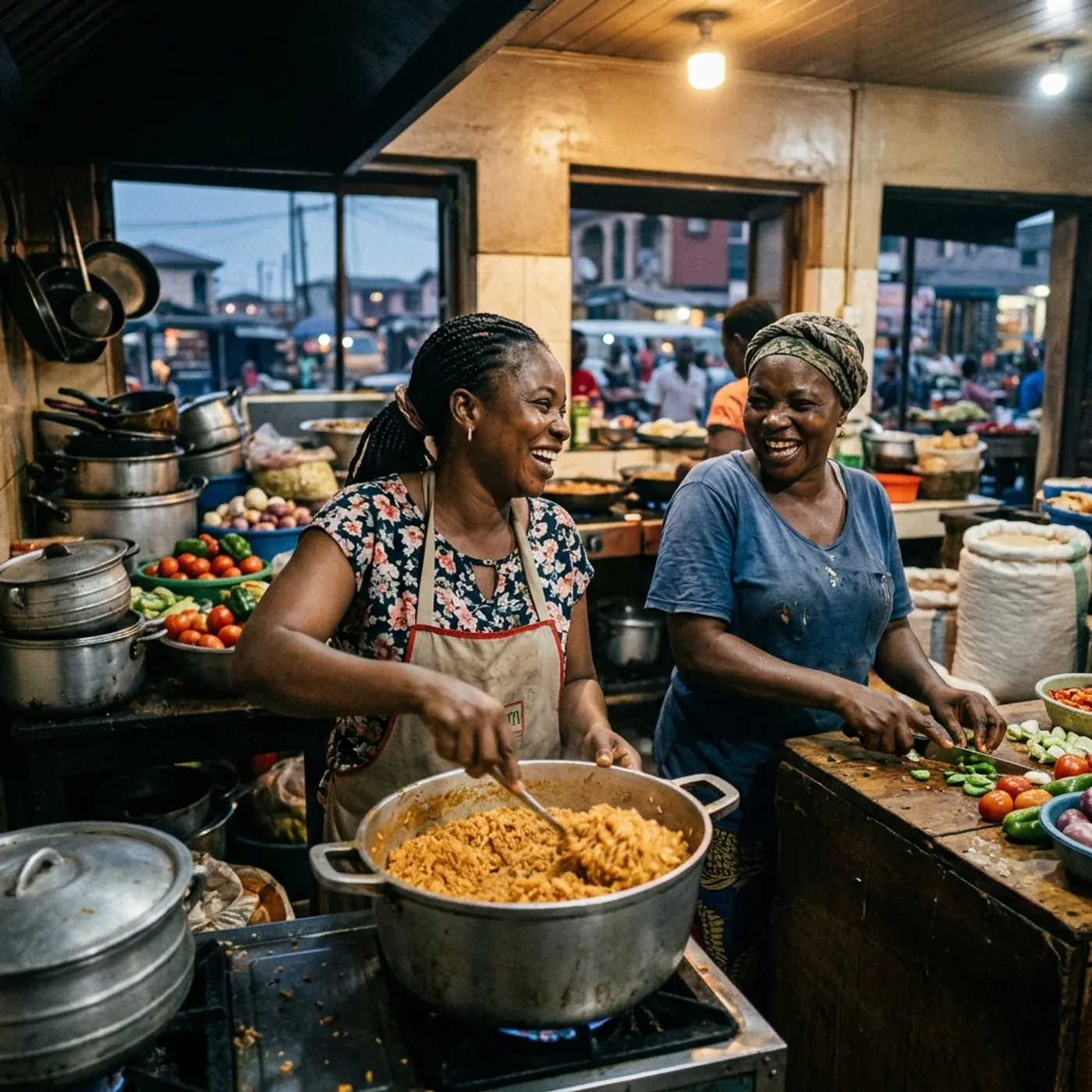
Characters, places, products
One subject in many versions, or new ideas for it. Every angle, look and light.
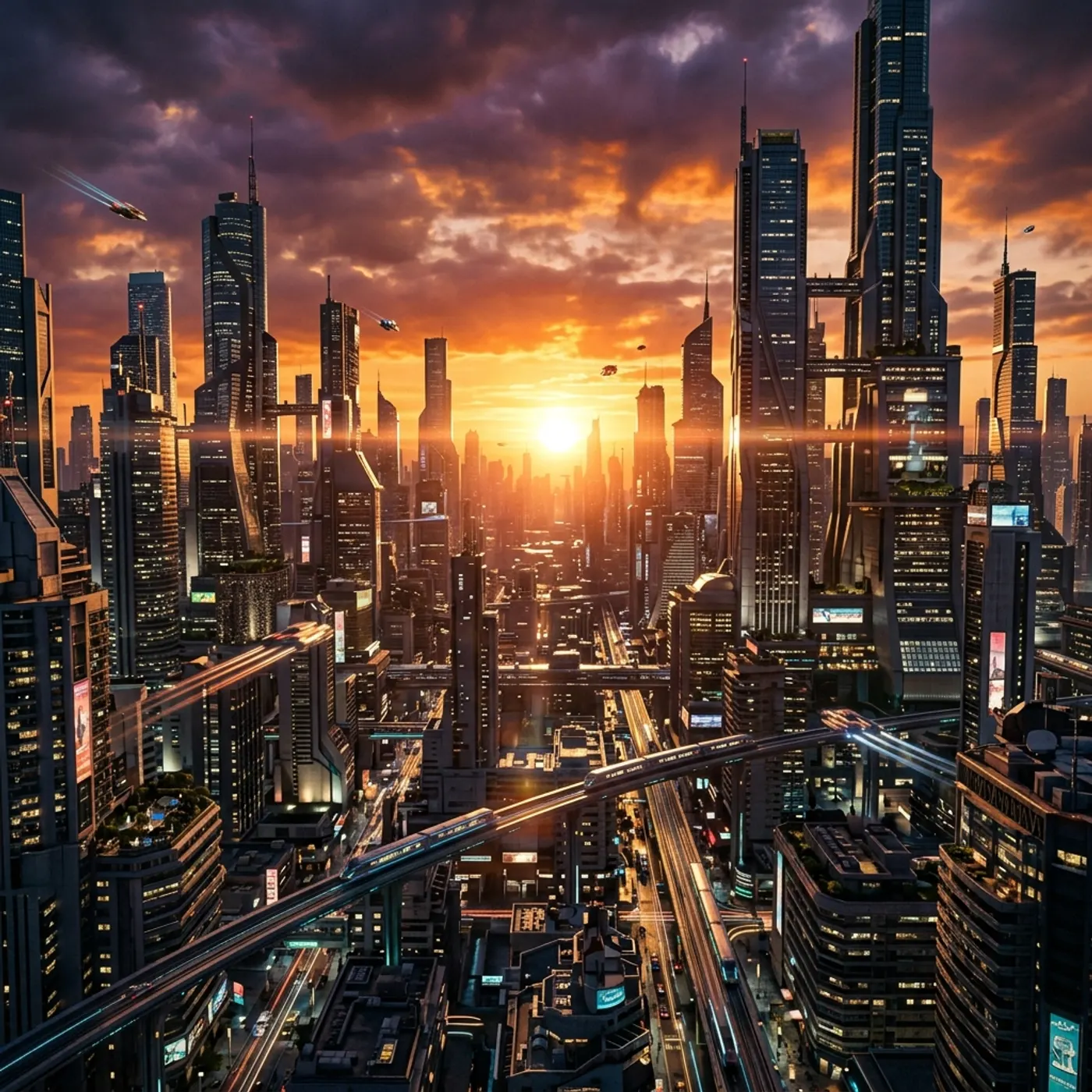
Put your script on screen
Paste it in and see every scene as a storyboard before you spend credits on video.