An AI Video Generator With Every Top Model in One Place
Make single video clips from a sentence or a picture. Pick the model that suits the shot, keep a face or a product the same with references, and see what it costs before you press Generate.

Where most AI video tools stop
Most AI video tools give you one model and a prompt box. If that model is bad at faces, or slow, or can't make sound, you sign up somewhere else. Every clip starts from nothing, so the person in your second clip rarely looks like the person in your first.
How Hyperdream does it
Hyperdream's Create puts the leading video models side by side: Veo 3.1 for dialogue with sound, Kling for holding a character from references, Seedance for multi-shot sequences, Hailuo for expressive faces, Wan and Grok for cheap drafts. Each one says what it's good at and what it costs per second.
Add up to four reference images, depending on the model, to keep the same face, outfit or product across clips. Some models can also start or end on a frame you choose, so a still you love becomes the first frame of the clip.
What you get when you generate video here
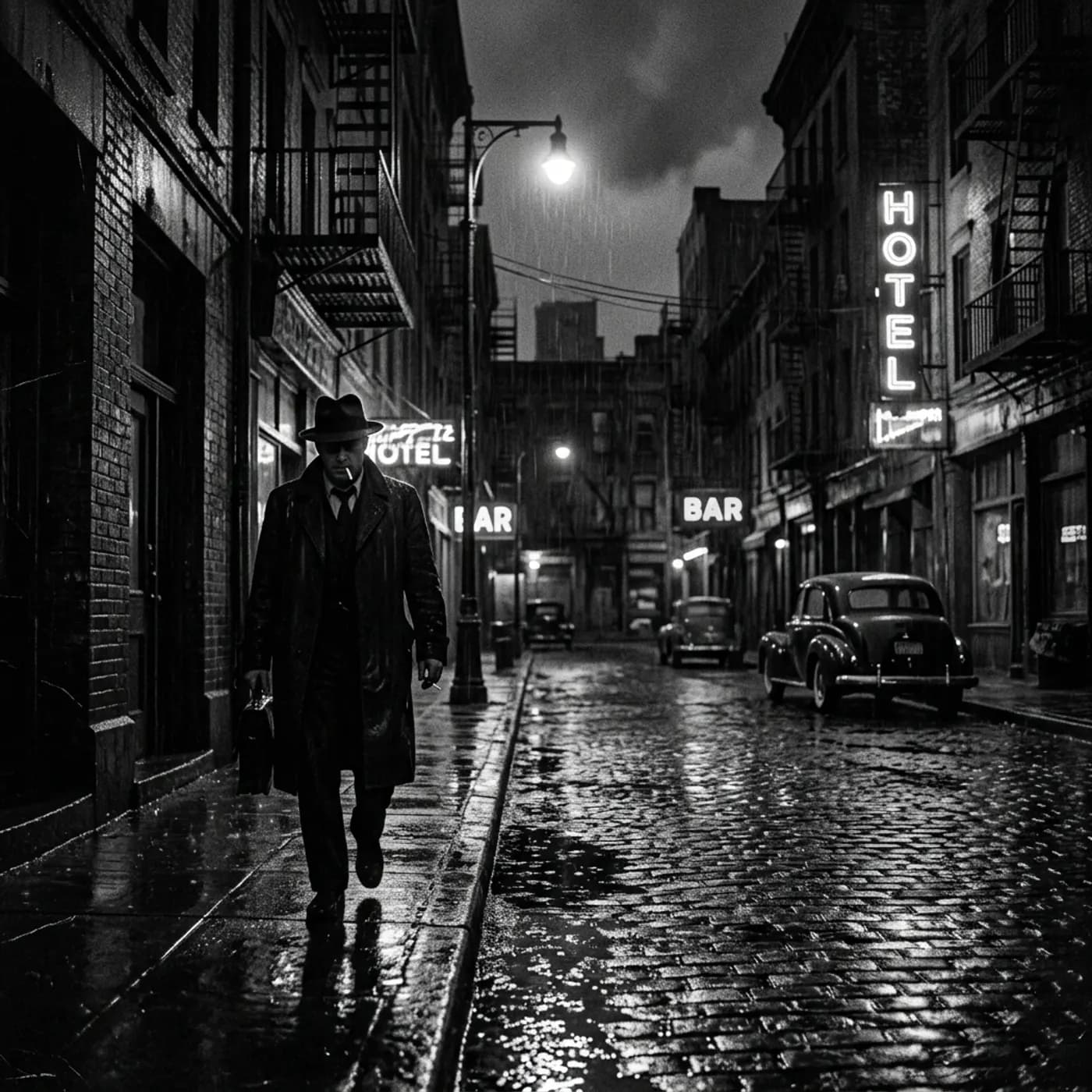
The right model for each clip
Nine video models with plain notes on what each does best. Switch per clip; your prompt and references come with you.

The same face, clip after clip
Reference images keep a person or product consistent. The picker shows how many references the model accepts before you add them.
Start or end on your own frame
Turn an image into motion, or pin the last frame so a clip lands exactly where you need it.

Sound where the model makes it
Models like Veo 3.1 and Seedance 2.0 create sound with the picture. For silent clips, add matching sound afterwards.
Making a clip, step by step
- 1
Describe the shot
Subject, action and camera move.
- 2
Pick a model and length
See each model's strengths and price per second. Choose 4 to 12 seconds and the shape: 16:9, 9:16, 1:1 or 21:9.
- 3
Add references
Drop in a photo of the face or product to keep. Mention it by name in the prompt with @.
- 4
Generate and refine
Failed or blocked renders refund automatically. Make another take, add captions or sound, or put it in other shapes.
Questions
This page is about single clips, made in Create. Create also writes scripts, boards storyboards and makes Motion. For a whole film with a script, cast and storyboard, use Director, Hyperdream's film agent.
Related
More than images and video
Scripts, storyboards, motion, and characters in every version. Each one on its own, or all of them in a film.
Write a script
An idea in, a properly formatted screenplay out. Edit any line, then board it or film it.
Board a storyboard
A panel for every shot, as AI stills or quick vector frames. Export it as a pitch deck.

Make motion
Titles, explainers and moving storyboards, drawn as vector animation by the AI you pick.
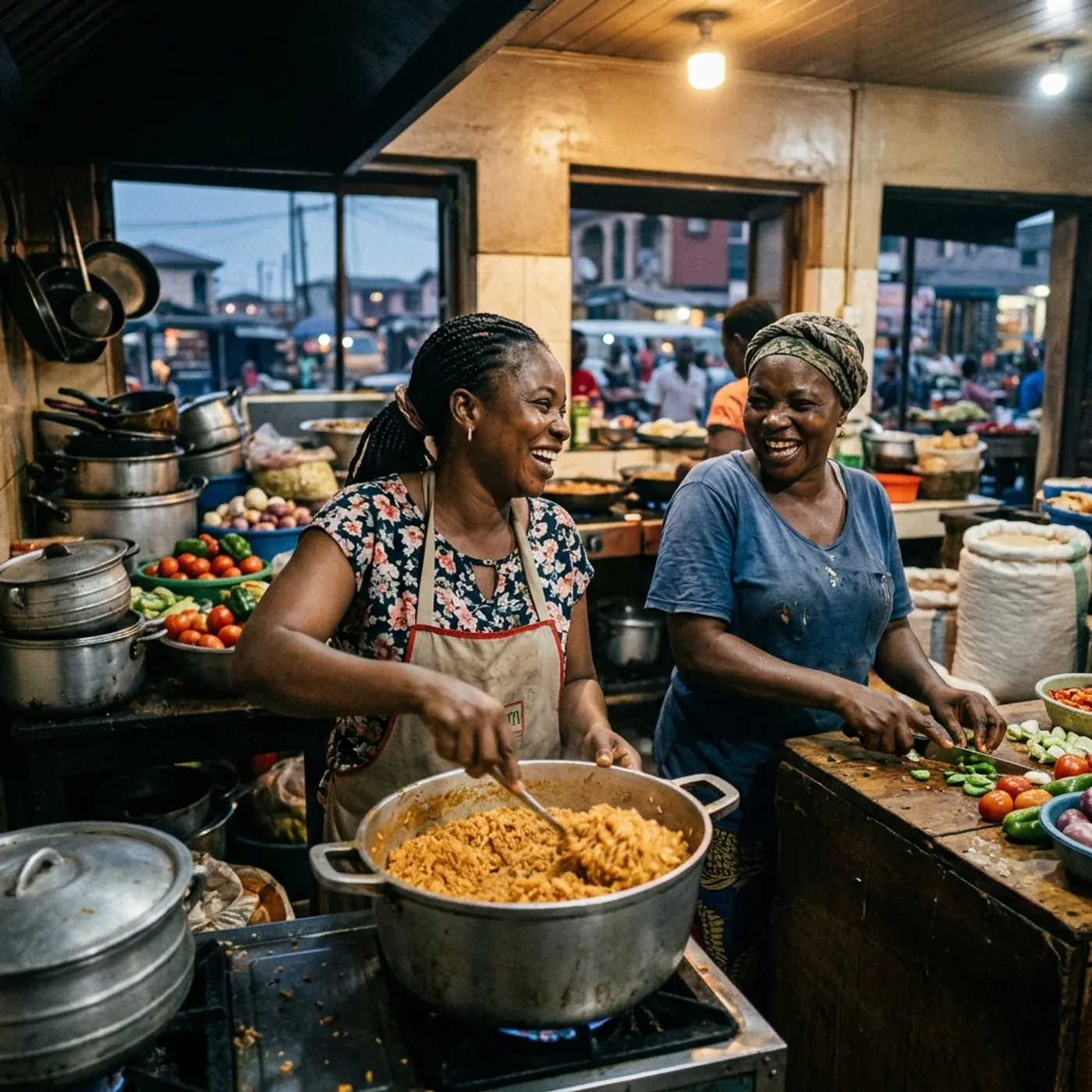
Characters, places, products
One subject in many versions, or new ideas for it. Every angle, look and light.

Make your first clip
Pick a model, describe the shot, and see the price before you generate.