Guides11 July 20265 min read
How to Make a Movie with AI in 2026: The Complete Script-to-Screen Guide
A practical, step-by-step guide to making a complete movie with AI — from developing the script to casting consistent characters, storyboarding, generating cinematic shots, and finishing the film.

Making a movie used to require a crew, gear, locations, and months of coordination. In 2026 it requires a story you care about and a weekend of focused work. This guide walks through the complete process of making a movie with AI — the real workflow, including the parts most tutorials skip.
What you're actually signing up for
An AI movie is still a movie. The tools remove the logistics — cameras, sets, actors' schedules — but not the decisions: what the story is, what it looks like, where the camera goes, what stays in the cut. Plan to spend your time like a director, not a prompt engineer.
The workflow below mirrors a real production pipeline. That's not an accident: film production evolved its structure because each stage de-risks the next. AI doesn't change that logic — it just compresses the calendar.
Step 1: Develop the script
Everything downstream inherits the script's quality, so start here, not at the video generator.
- Start with a logline — one sentence: protagonist, goal, obstacle. If the logline is boring, the film will be too.
- Expand into structured scenes. An AI scriptwriter (like the one built into Hyperdream) can turn a logline into acts, scenes, and dialogue you then rewrite until it's yours.
- Keep it short for your first film. Three to five scenes, two or three characters, one location if you can. Continuity difficulty scales with each character and location you add.
A script inside your production platform is worth more than one in a separate document, because every later stage — casting, storyboarding, generation — can read it.
Step 2: Lock the look
Before generating a single shot, decide the film's visual language: lighting, color palette, grain, era, mood. Then lock it.
This is the step that separates films from clip collections. If each shot re-interprets the style from a text prompt, your movie will look like it was shot by six different cinematographers. In Hyperdream you define the style once and every subsequent storyboard panel and video shot honors it automatically; if you're assembling clip-generator output instead, build a rigid style phrase and never vary it.
Step 3: Cast your characters
Character drift — the hero's face changing between shots — is the most common reason AI films fail. The fix is casting, not prompting:
- Create each character once as a persistent identity: face, body, wardrobe.
- Write down how they sound ("warm, low, a little dry") and reuse those words in every shot where they speak.
- Reuse that identity for every shot the character appears in.
(We wrote a full guide on this: how to keep characters consistent across AI video scenes.)
Step 4: Storyboard before you generate
It's tempting to skip straight to video. Don't — video generation is your most expensive stage in both credits and iteration time, and the storyboard is where you find problems cheaply.
Generate a shot-by-shot board from your script, then interrogate it: Does the scene need five shots or three? Is there shot variety — wide, medium, close — or is everything a medium shot? Does each shot advance story or mood? Reorder, cut, and regenerate panels until the board reads like a film.
In Hyperdream, approved storyboard panels carry their full context (character, style, framing) directly into video generation — the board is the shot plan. Play it as a moving storyboard to check timing and camera moves, and the same animation can guide the final render.
Step 5: Generate the footage — as a director
Now generate each boarded shot, and treat the model like a camera department rather than a vending machine:
- Direct deliberately. Use camera moves, shot blocking, and lens choices where your tool exposes them, instead of gambling on re-rolls.
- Iterate on intent. When a shot is wrong, identify what is wrong (performance? framing? lighting?) and change that one thing.
- Protect continuity. Every shot should pull from your locked style and cast — if you're using a standalone generator, this is where you'll spend most of your effort manually.
Expect to regenerate. Even on a connected platform, a good shot often takes a few directed attempts — that's normal filmmaking iteration, compressed from hours to minutes.
Step 6: Edit the cut
Editing is where footage becomes a movie, and it's the stage most AI-film tutorials ignore entirely.
- Assemble against the script, then be willing to betray it — if a scene plays better shorter, cut it shorter.
- Sound is half the film. Dialogue levels, ambience, music, and silence carry emotion that visuals can't.
- Watch it start to finish before exporting. Pacing problems are invisible shot-by-shot and obvious in a full pass.
In Hyperdream the edit happens on a timeline: drag shots from the storyboard, trim and split them, and layer dialogue, narration, music, effects and captions on their own tracks, then watch the whole film through before exporting.
A realistic first-film plan
| Day | Work |
|---|---|
| 1 | Logline → script → locked style → cast characters |
| 2 | Storyboard all scenes; generate and direct the priority shots |
| 3 | Generate remaining shots; start the assembly cut |
| 4 | Edit, sound, final watch-through, export |
The mistakes that sink first AI films
- Starting at the video generator. Without script and boards, you're making expensive random clips.
- Describing characters in prompts instead of casting persistent identities.
- No style lock, so every shot has different lighting and grade.
- All medium shots. Shot variety is free in AI filmmaking — use it.
- Skipping the edit. An unedited sequence of generations is a demo reel, not a movie.
Start with the story
The technology is ready; the differentiator is now taste. Pick a story small enough to finish and true enough to care about, run the pipeline — script, look, cast, boards, sound, shots, cut — and ship it.
If you want the whole pipeline in one place with continuity handled for you, Hyperdream is free to start: write the script, cast your characters, and make the movie.
Questions people ask
Yes. With an end-to-end platform, a solo creator can develop a script, cast consistent AI characters, storyboard every scene, generate cinematic footage, and edit a finished film — entirely with AI tools. The craft is in the creative decisions; the pipeline handles the production mechanics.
Keep reading

Tutorials21 July 20265 min read
Connect ChatGPT, Claude, or Cursor to an AI Video Studio (MCP Guide)
Use the AI subscription you already pay for to direct an entire film. Connect ChatGPT, Claude, Cursor, or Antigravity to Hyperdream over MCP and generate scripts, characters, storyboards, and video without message limits.
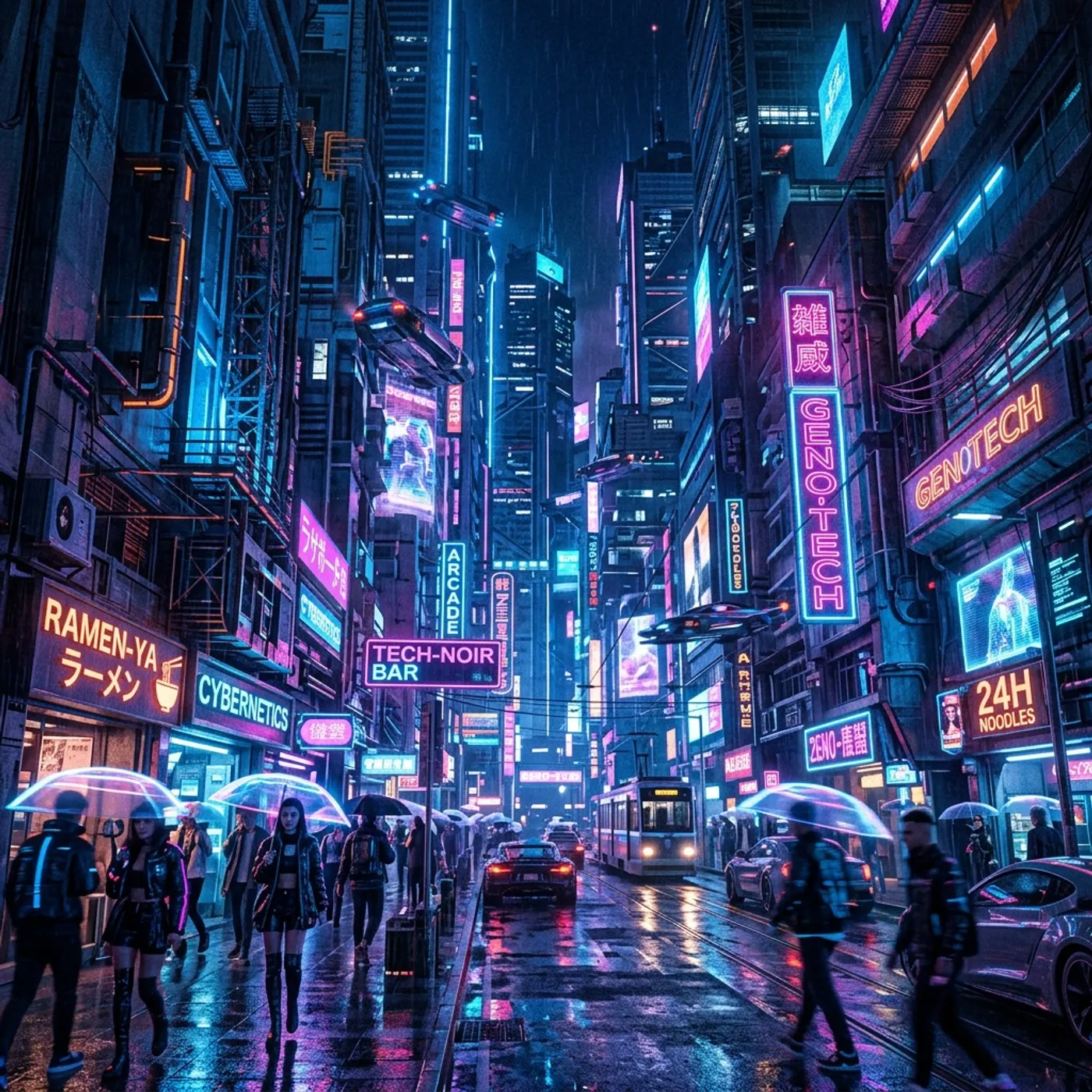
Comparisons11 July 20264 min read
The 8 Best AI Video Generators in 2026 (Chosen by What You're Making)
An honest guide to the best AI video generators in 2026 — clip generators, avatar tools, and full production platforms — organized by what you're actually trying to make, from social clips to complete films.

Guides25 June 20263 min read
How to Keep Characters Consistent Across AI Video Scenes
Character consistency is the hardest part of AI video. Here's why characters drift between shots, and a practical, step-by-step workflow to keep the same AI actor looking and sounding the same across every scene.
More than images and video
Scripts, storyboards, motion, and characters in every version. Each one on its own, or all of them in a film.
Write a script
An idea in, a properly formatted screenplay out. Edit any line, then board it or film it.
Board a storyboard
A panel for every shot, as AI stills or quick vector frames. Export it as a pitch deck.
Make motion
Titles, explainers and moving storyboards, drawn as vector animation by the AI you pick.
Characters, places, products
One subject in many versions, or new ideas for it. Every angle, look and light.
Your first film is one sentence away.
Free to start. Pay only for what you render.