AI Storyboard Generator That Keeps Your Characters' Faces
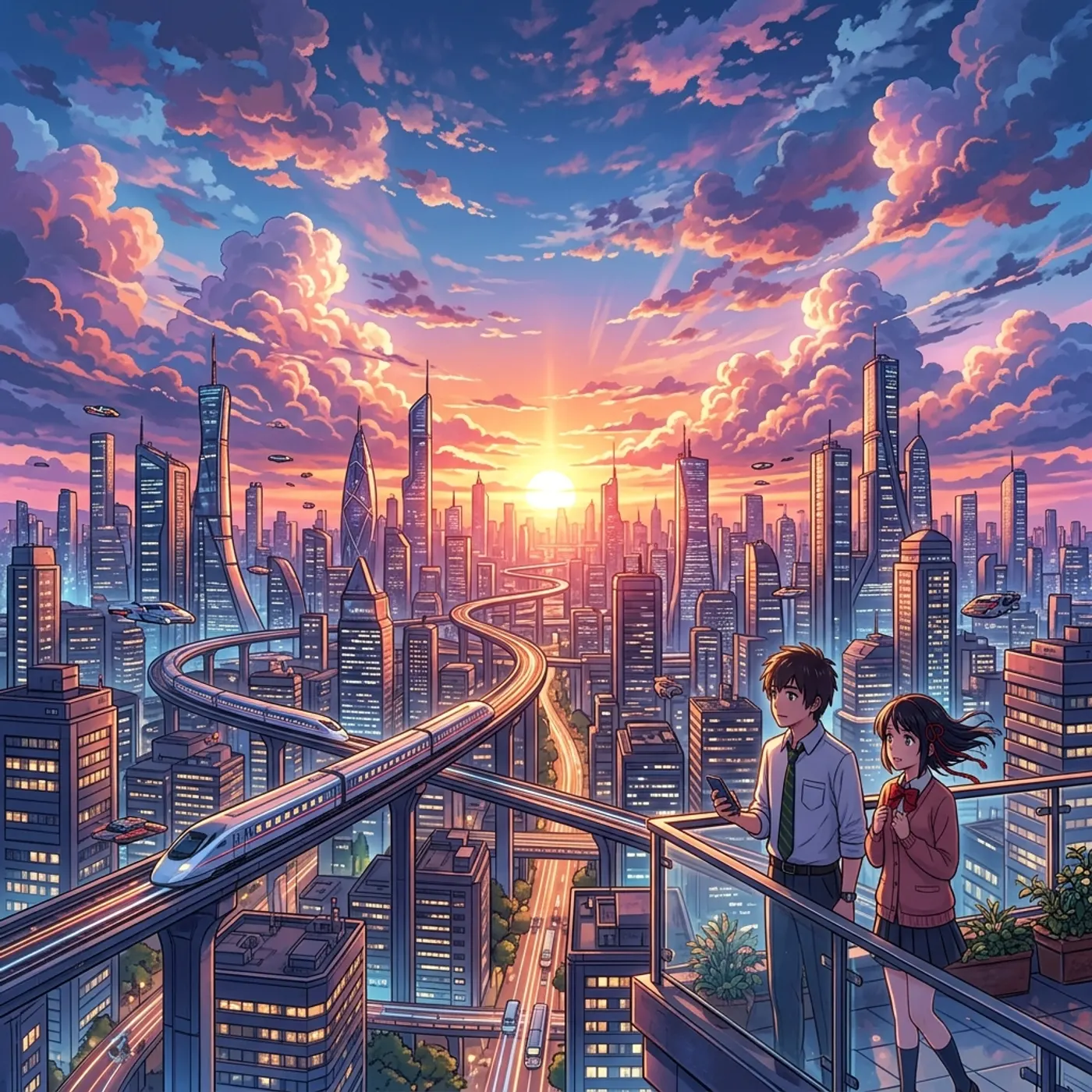
See the whole film before a single second of video is made: as AI stills, as quick vector frames, or as a moving storyboard with every camera move. Then hand it to a client as a PDF or render it into video.
Where most AI video tools stop
Generic image generators can make a storyboard frame, but each frame invents a new face and a new style. By panel ten the board shows a different film from panel one.
How Hyperdream does it
Hyperdream draws each panel with your film's characters, places and look already set, so the same person appears in panel one and panel forty.
Each panel is a real shot: framing, camera move, lens and length are part of it. Play the board as a moving storyboard to check the timing, and when it's right the same shots go to video, with the moving storyboard as their guide.
A board you can actually use
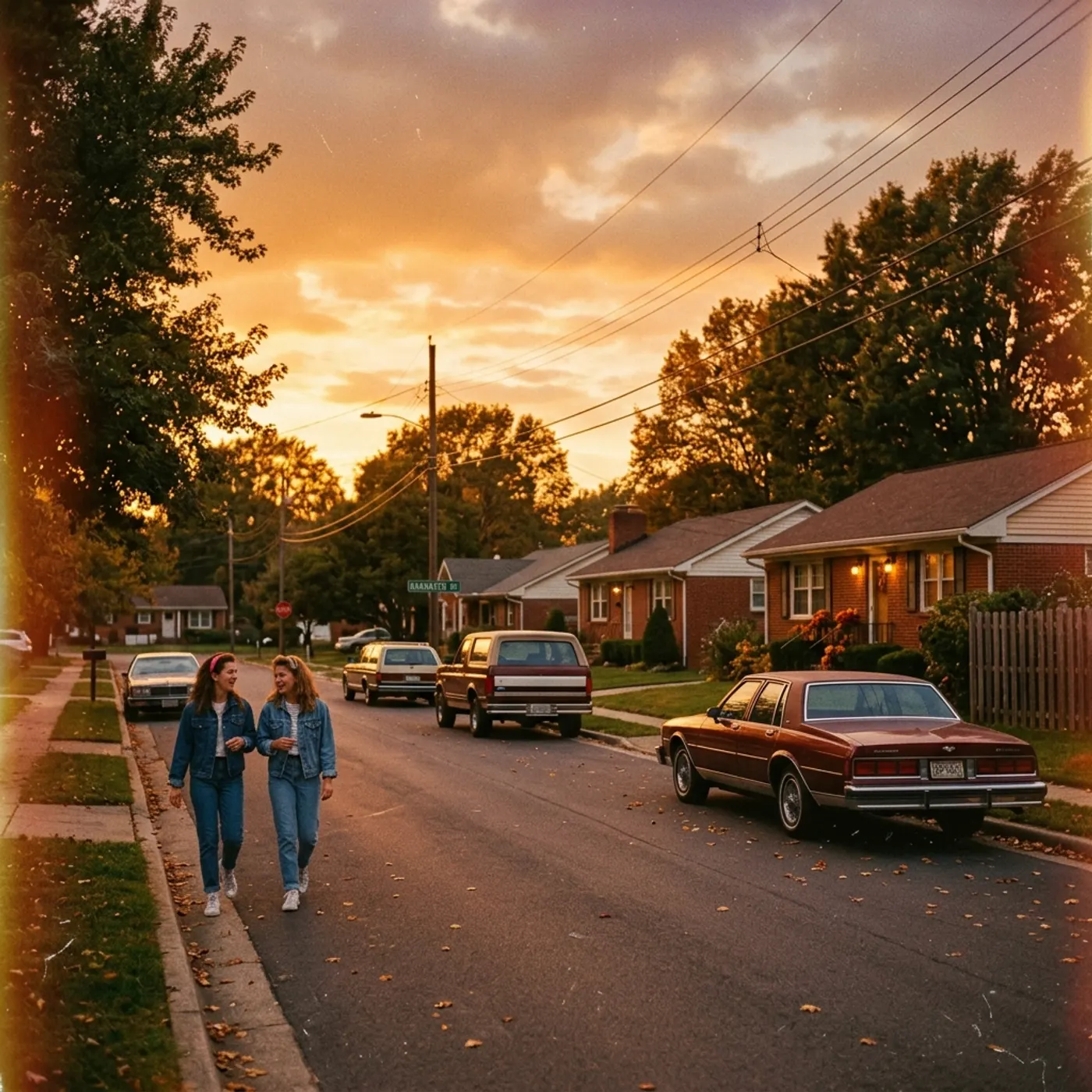
Drawn with your cast
Characters' reference sheets are used in every panel, so faces hold across the board.
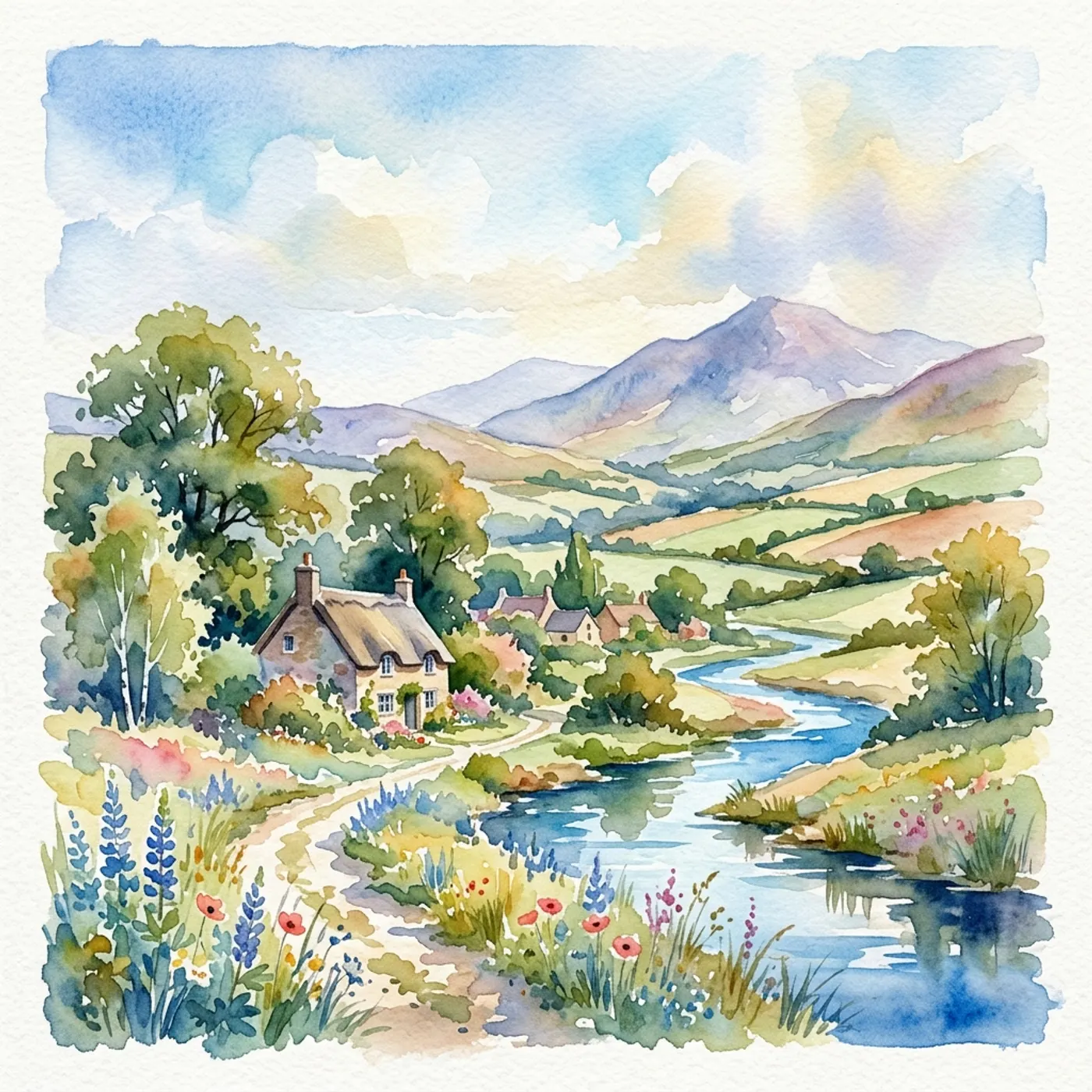
Framing you control
Change the shot size, camera move and lens on any panel, then make a new still for just that one.

Stills or vector frames
AI stills on the image model you pick, or vector frames drawn as shapes for a credit each, when speed matters more than polish.
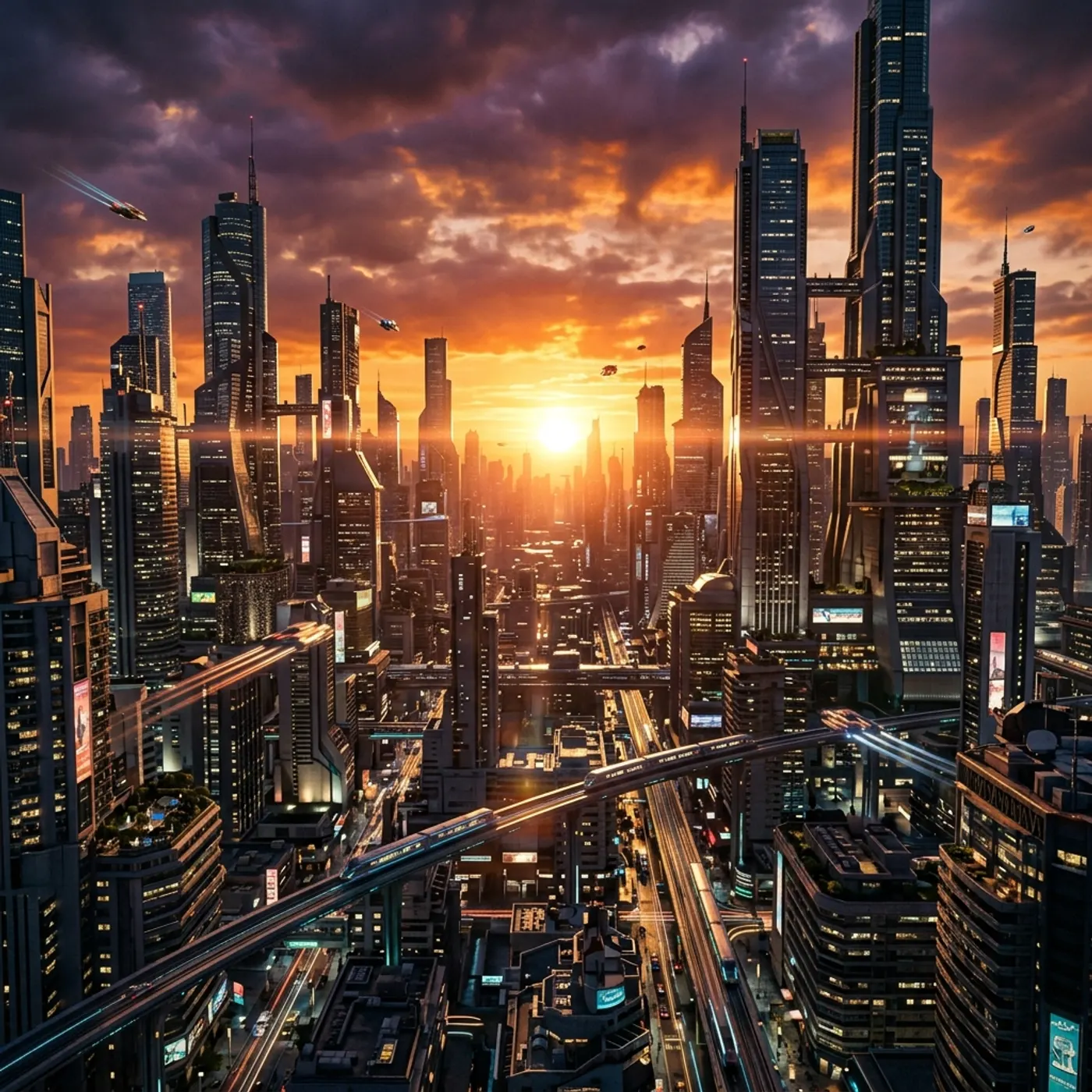
Make it move
Play the board as a moving storyboard with each shot's timing and camera move, then use it to guide the real shots.
Storyboarding a film
- 1
Start with an idea or a script
Type the idea, paste a screenplay, or send one straight from the script writer.
- 2
Choose the panels
AI stills on the image model you pick, or vector frames. Pick the style and frame shape.
- 3
Get the board
Every scene comes back as panels with framing, camera and lens. Redraw any single panel.
- 4
Share, play or render
Send it as a pitch deck PDF, play it as a moving storyboard, or render the shots in Director.
Questions
A tool that turns a script or an idea into a sequence of stills, one per shot, so you can plan a film before shooting or rendering it.
Related
More than images and video
Scripts, storyboards, motion, and characters in every version. Each one on its own, or all of them in a film.
Write a script
An idea in, a properly formatted screenplay out. Edit any line, then board it or film it.
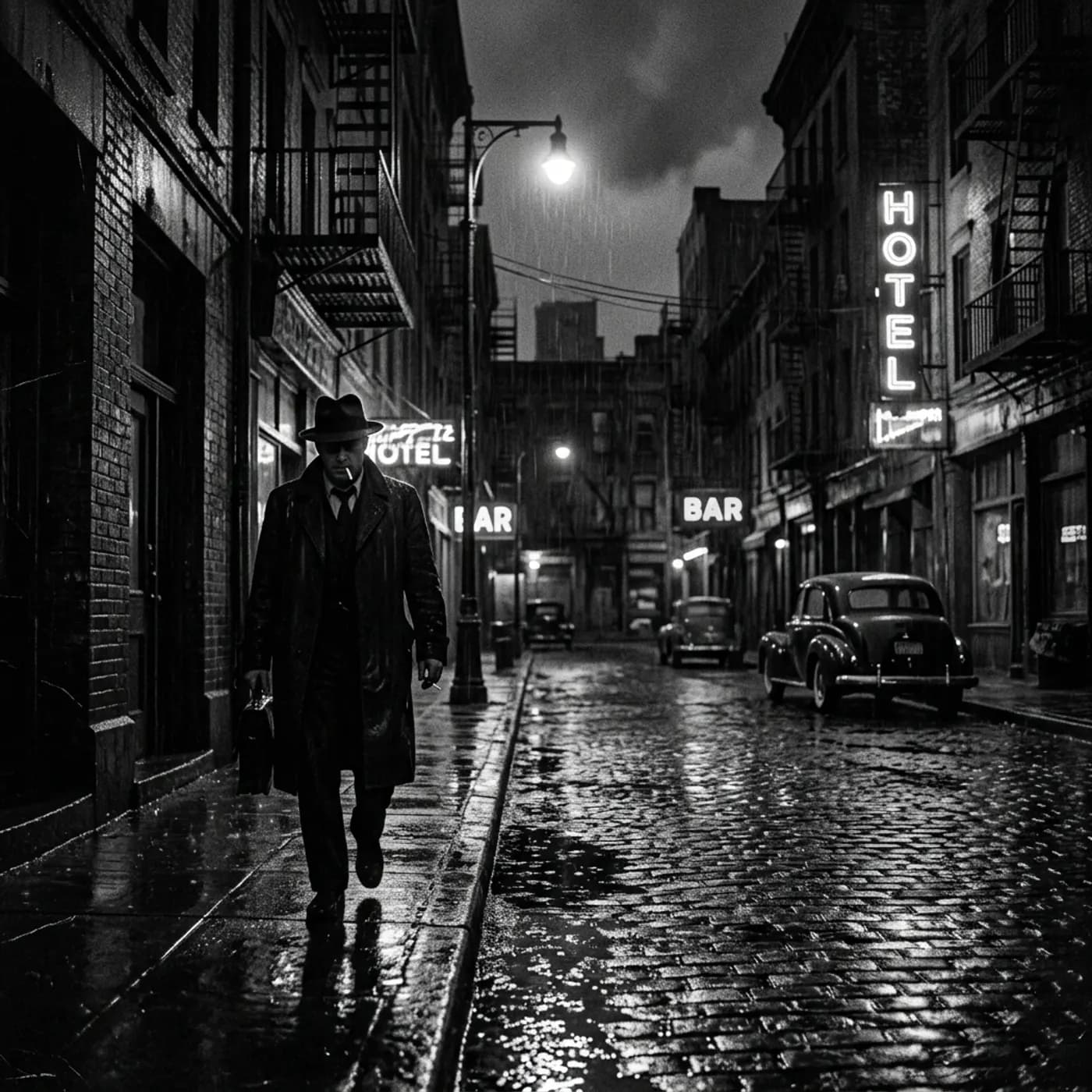
Board a storyboard
A panel for every shot, as AI stills or quick vector frames. Export it as a pitch deck.
Make motion
Titles, explainers and moving storyboards, drawn as vector animation by the AI you pick.
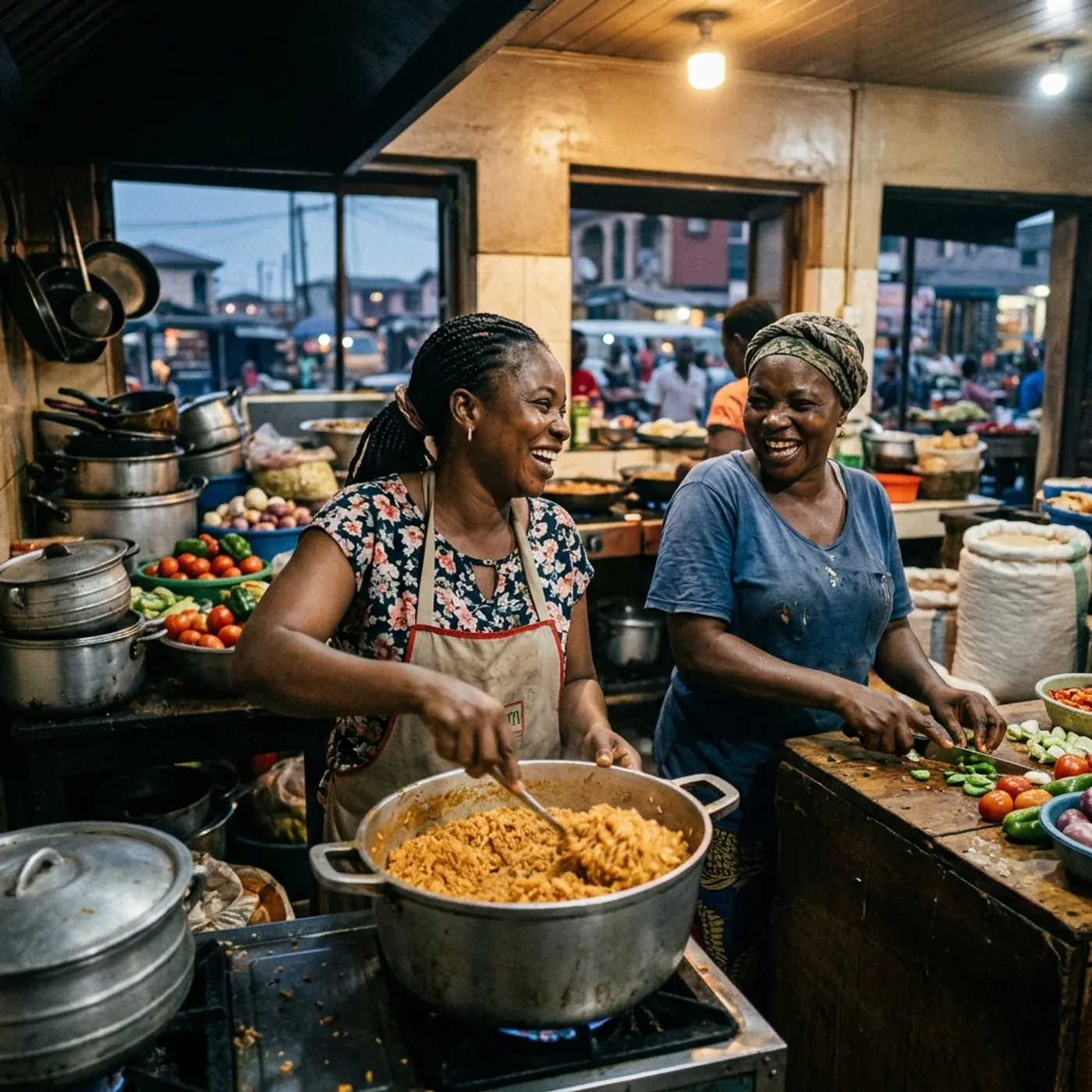
Characters, places, products
One subject in many versions, or new ideas for it. Every angle, look and light.
See it before you render it
Get a storyboard of your film with your own characters, then decide what to make.