Text to Video: Type It, Then Watch It
One sentence makes a clip. One idea makes a film. Either way you start by typing, or by saying it out loud.
Where most AI video tools stop
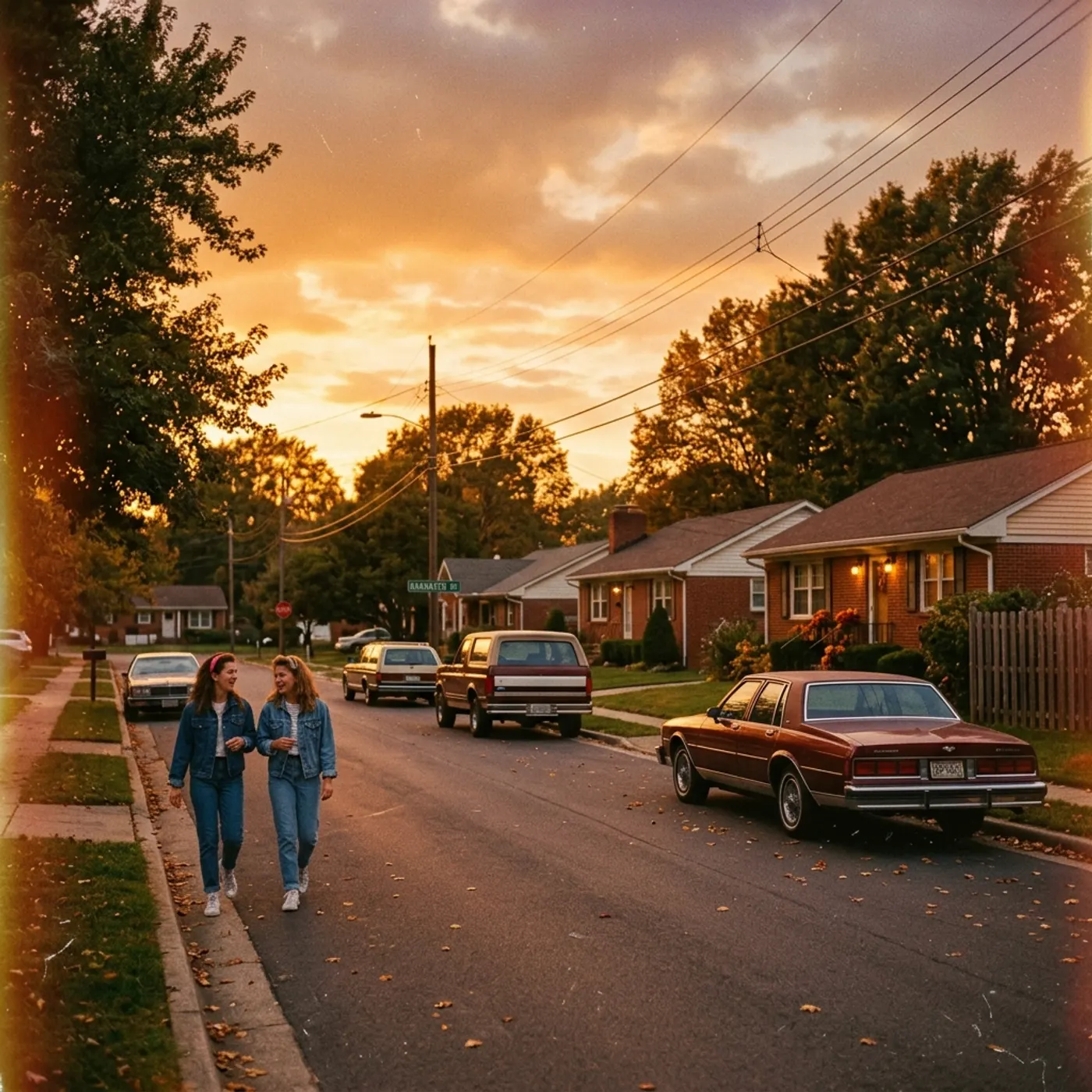
With most text-to-video tools, a sentence becomes one short clip and that's the end of it. If your idea needs a second shot, you write a new prompt and hope the characters and the place still match.
How Hyperdream does it
In Hyperdream, a short description goes to Create and comes back as a clip from the model you chose. A longer idea, like a story or an ad concept, goes to Director instead.
Director turns your words into a script you can read and change, then a list of characters, places and shots. You see every shot as a still first, so you know what the film will be before any video is made.
Two ways your words become video
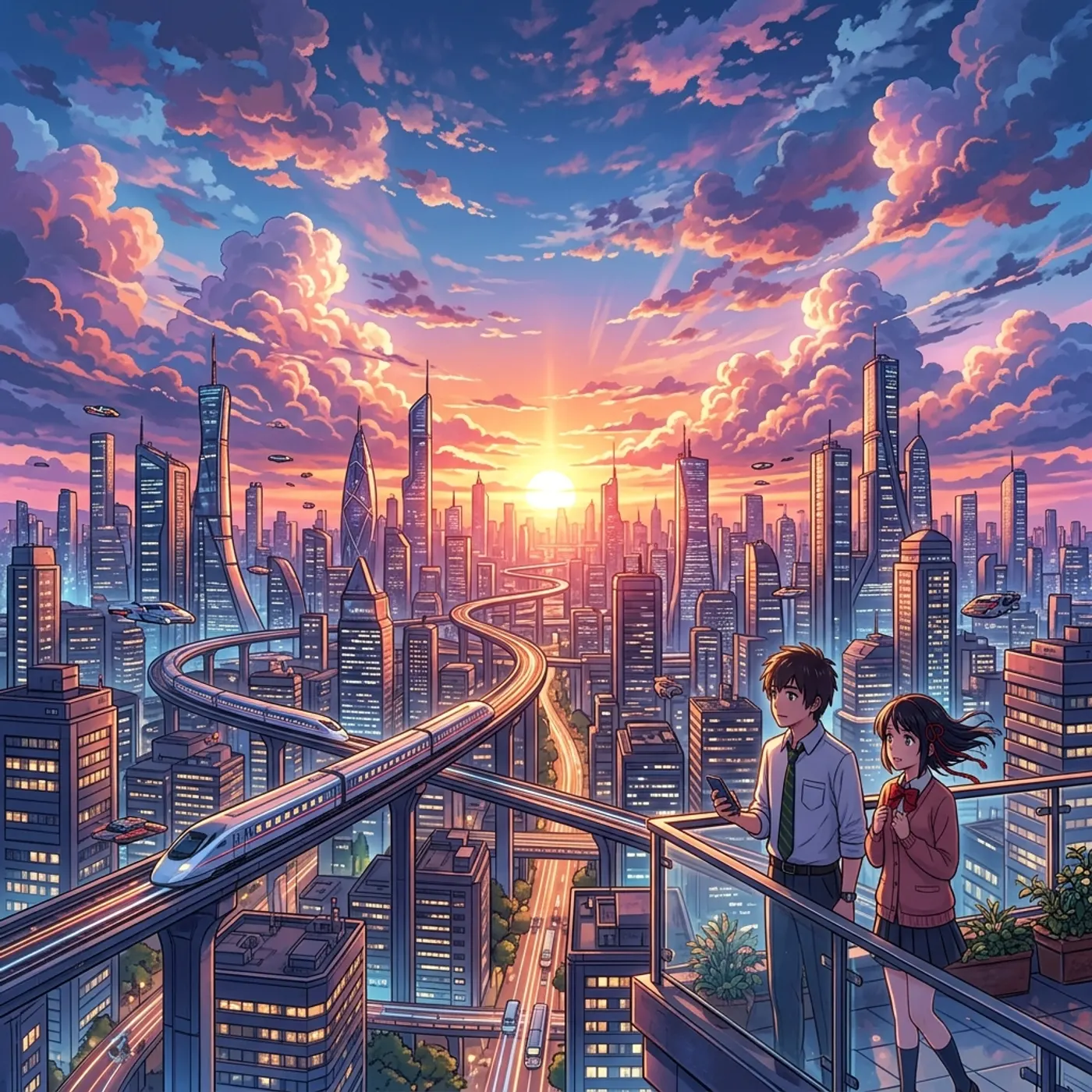
A sentence becomes a clip
Describe what happens and how the camera moves.
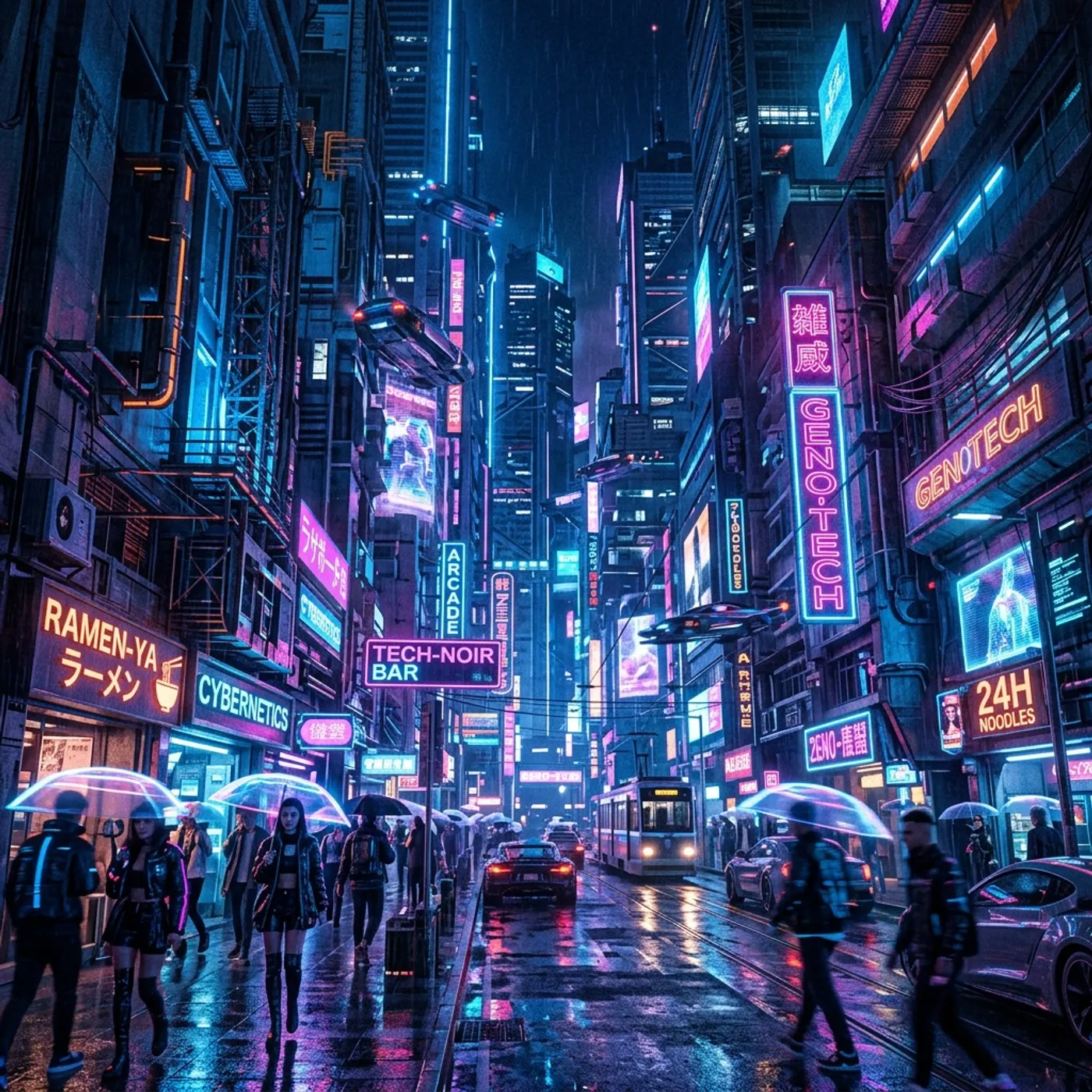
An idea becomes a script
Director writes scenes and dialogue from your idea. Every line is yours to rewrite.
The script becomes shots
Each scene is broken into shots with framing, camera move, lens and length, shown as stills you can change.
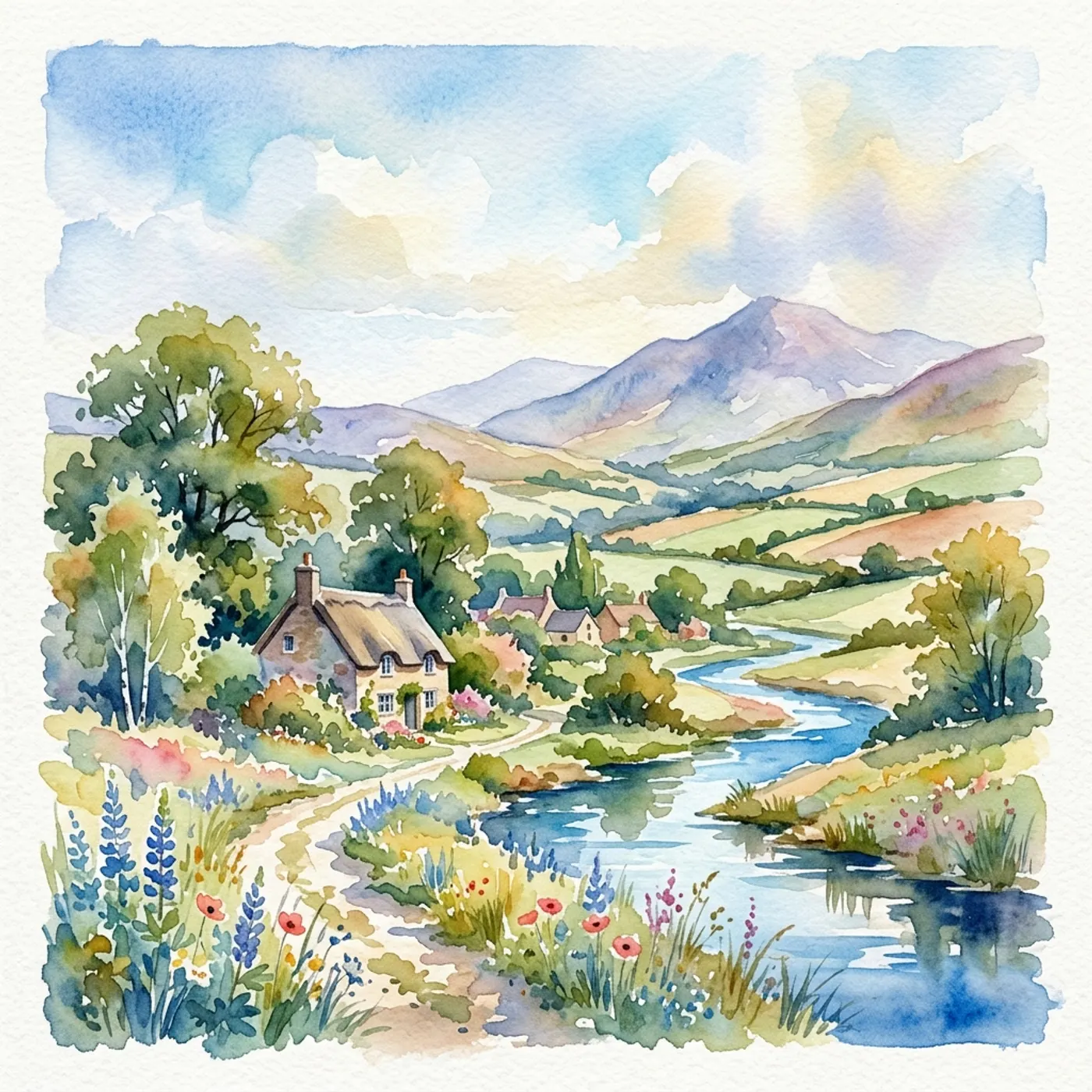
Words that move as graphics
Titles, explainers and logo moves are better drawn than generated. Motion writes them as vector animation from your text.
From words to video
- 1
Write or say the idea
A sentence for a clip, or a few lines of story for a film.
- 2
Choose clip or film
Create makes it now. Director plans the whole film first and asks before it spends credits.
- 3
Check the plan
For a film, read the script and look over the stills. Change anything, by hand or by asking Director.
- 4
Render
Generate the clip, or render the film's shots. The cost is shown before you start.
Questions
It makes video from a written description. Simple tools make one clip per prompt. Hyperdream can also turn a longer piece of writing into a planned, multi-shot film.
Related
More than images and video
Scripts, storyboards, motion, and characters in every version. Each one on its own, or all of them in a film.
Write a script
An idea in, a properly formatted screenplay out. Edit any line, then board it or film it.
Board a storyboard
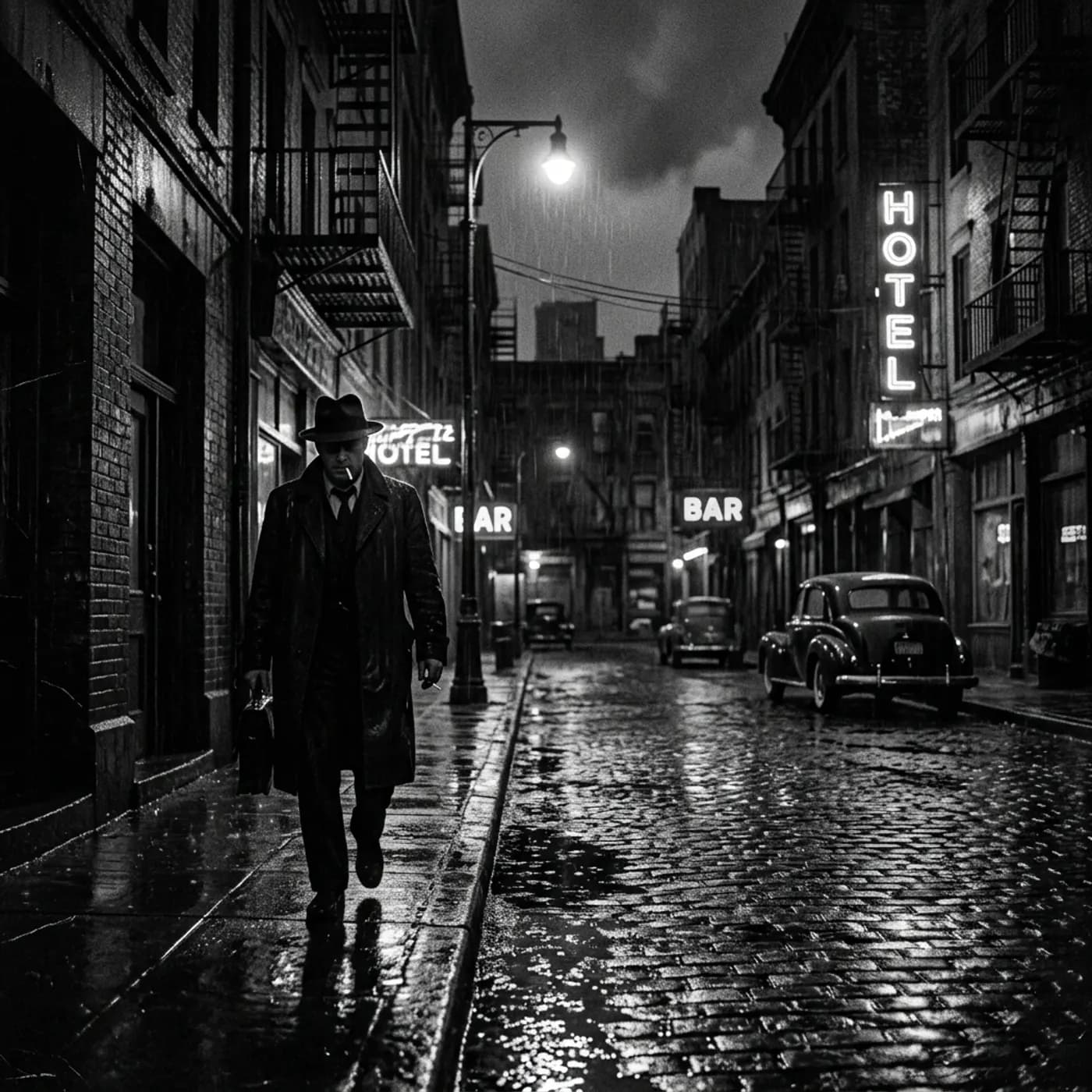
A panel for every shot, as AI stills or quick vector frames. Export it as a pitch deck.

Make motion
Titles, explainers and moving storyboards, drawn as vector animation by the AI you pick.
Characters, places, products
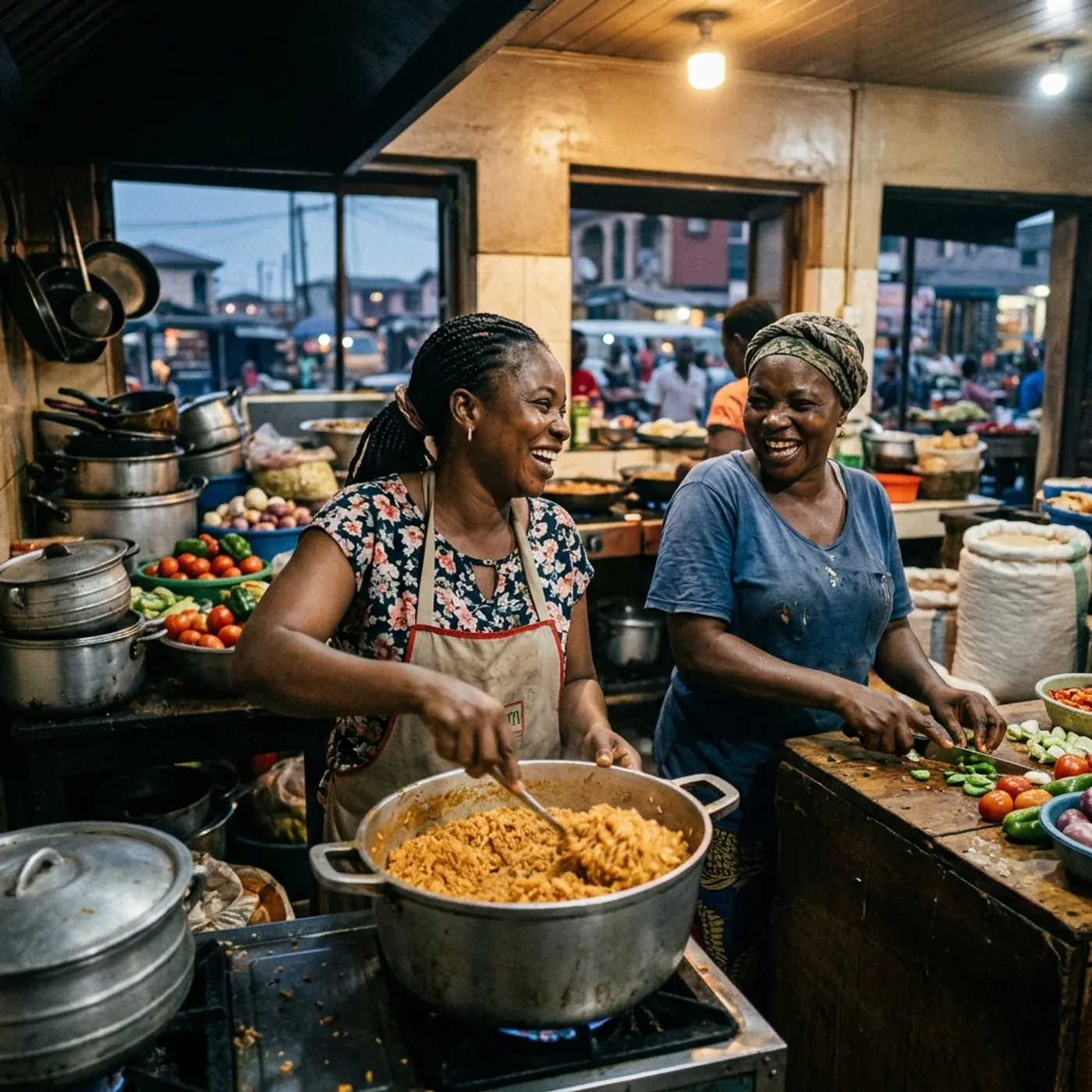
One subject in many versions, or new ideas for it. Every angle, look and light.

Type the first line
Start with a sentence. Make a clip now, or a film after you've seen the plan.