Comparisons11 July 20264 min read
The 8 Best AI Video Generators in 2026 (Chosen by What You're Making)
An honest guide to the best AI video generators in 2026 — clip generators, avatar tools, and full production platforms — organized by what you're actually trying to make, from social clips to complete films.
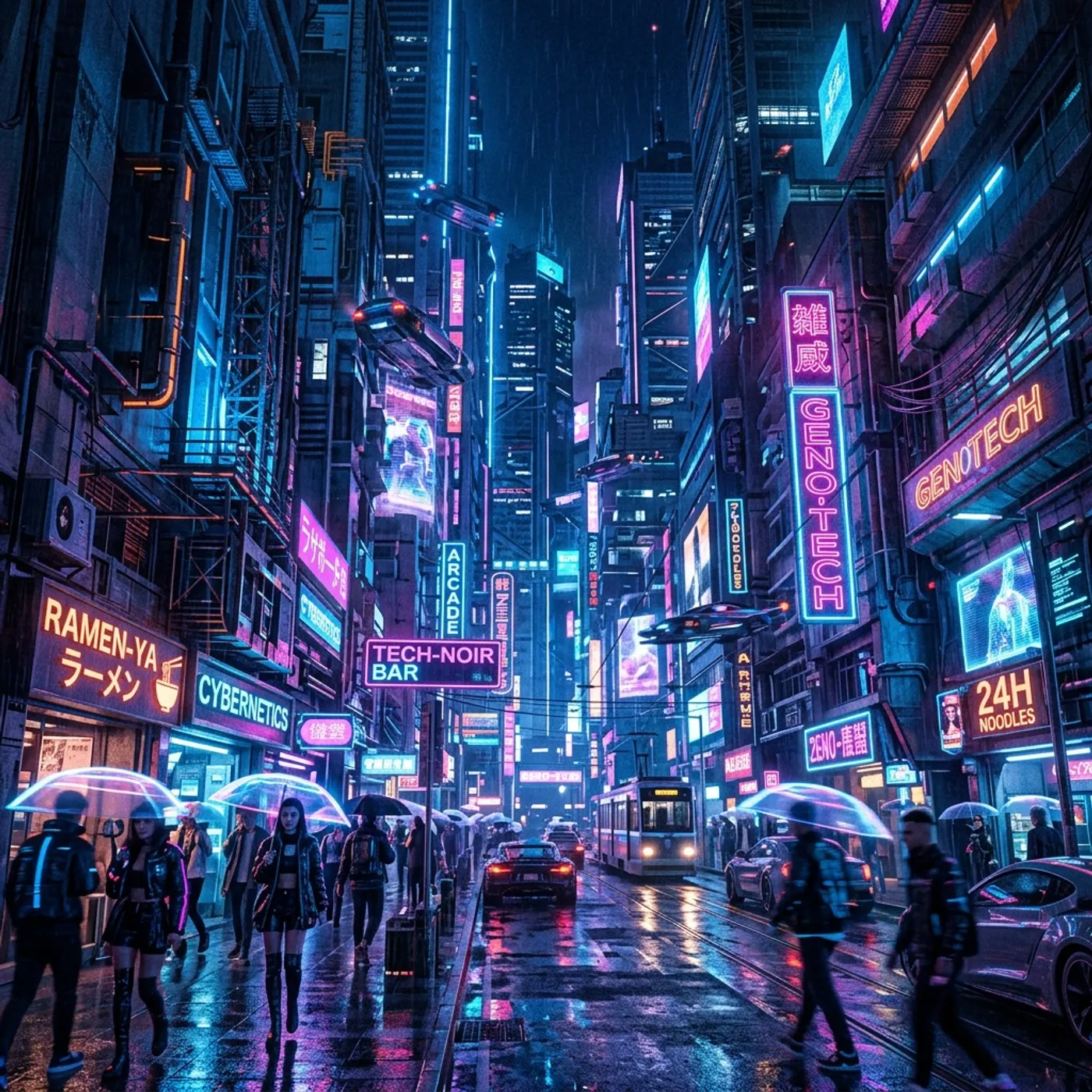
"Best AI video generator" is the wrong question — or at least an incomplete one. In 2026 the field has split into three genuinely different categories, and the best tool depends entirely on what you're making. This guide is organized around that reality.
Full disclosure up front: Hyperdream is our platform. We've put it where we honestly believe it belongs — as the pick for one specific category — and we've tried to be fair about where other tools are the better choice.
The three categories in 2026
- Clip generators — frontier models that turn a prompt or image into seconds of stunning video. Best per-shot quality in the world; no memory between shots.
- Avatar/presenter tools — purpose-built for talking-head business video: training, sales, localization.
- Production platforms — end-to-end pipelines for making complete, multi-scene work: films, music videos, ads with narrative.
Pick your category first. Then pick your tool.
Best for complete films and narrative work
1. Hyperdream — best end-to-end AI film studio
Hyperdream is built around a single idea: a film is not a pile of clips. It covers the production pipeline: AI scriptwriting, a look for the whole film, a reference portrait for every character, a shot-by-shot storyboard, and rendering each shot on the model that suits it, with continuous context connecting every stage.
That context is the differentiator. Characters cast on page one keep their faces in the finale. The visual style you lock carries through every generated shot. The storyboard you approve becomes the shots you render. For short films, music videos, narrative ads, and trailers, this is the difference between a film and a folder of mismatched clips.
Choose it if: your project has more than one scene and characters who need to stay themselves. Skip it if: you just need one quick clip for social — a clip generator is faster for that. Pricing: free to start; credit-based plans for creators and studios.
Best raw clip quality (prompt-to-video models)
2. Google Veo
Google's Veo line generates strikingly cinematic clips with strong prompt adherence and native audio, and it benefits from distribution across Google's products. If you live in the Gemini/YouTube ecosystem, it's the natural pick for individual shots.
3. Runway
Runway has been the working creative's clip tool for years — fast iteration, strong image-to-video, and practical controls (motion brushes, camera moves) that professionals actually use. Its Gen models are widely used in music videos and film previsualization. You'll still assemble the results elsewhere.
4. Kling
Kling earned its reputation on motion quality and length — its clips handle complex human movement unusually well and it iterates quickly. A favorite for action-heavy shots.
5. Luma Dream Machine
Luma's Dream Machine is one of the most accessible high-quality generators — quick, affordable, and good at stylized and atmospheric shots, with a snappy iteration loop.
6. Pika
Pika leans into creator-friendly effects and playful control features, and it's popular for social-first content where personality beats photorealism.
Best for business and presenter video
7. HeyGen
HeyGen is the leader for AI avatar video — realistic presenters, excellent lip-synced translation and localization, and an API. For product explainers and multilingual sales content it's hard to beat.
8. Synthesia
Synthesia is the enterprise standard for training and internal communications video: strong compliance posture, template workflows, and consistent corporate avatars at scale.
How to actually choose
| You're making… | Category | Start with |
|---|---|---|
| A short film, music video, or narrative ad | Production platform | Hyperdream |
| One stunning shot for a concept or social post | Clip generator | Veo, Runway, or Kling |
| Stylized/creative social content | Clip generator | Luma or Pika |
| Training, explainer, or localized sales video | Avatar tool | HeyGen or Synthesia |
Three questions cut through most of the marketing:
- Does my project have more than one scene? If yes, per-clip quality matters less than cross-shot consistency — that's a pipeline problem, not a model problem.
- Do characters recur? Recurring characters need a persistent identity system, not a well-written prompt.
- Do I need to plan before I spend? Seeing every shot as a still first saves credits on renders you'd throw away.
The honest bottom line
The frontier clip models are astonishing, and for single shots any of Veo, Runway, or Kling will impress you. But if 2024–2025 taught AI filmmakers anything, it's that the bottleneck moved: generation quality stopped being the hard part, and continuity became it. That's the problem Hyperdream exists to solve — one platform, one thread of context, from the first line of the script to the rendered film.
Whichever tool you choose, match it to the shape of your project — not to the most viral demo clip on your feed.
Questions people ask
It depends on what you're making. For single cinematic clips, frontier models like Veo, Runway, and Kling lead on raw quality. For talking-head business video, avatar tools like HeyGen and Synthesia are purpose-built. For complete films with consistent characters — short films, music videos, ads — an end-to-end production platform like Hyperdream is the right category, because it keeps script, characters, and style connected across every shot.
Keep reading

Tutorials21 July 20265 min read
Connect ChatGPT, Claude, or Cursor to an AI Video Studio (MCP Guide)
Use the AI subscription you already pay for to direct an entire film. Connect ChatGPT, Claude, Cursor, or Antigravity to Hyperdream over MCP and generate scripts, characters, storyboards, and video without message limits.

Guides11 July 20265 min read
How to Make a Movie with AI in 2026: The Complete Script-to-Screen Guide
A practical, step-by-step guide to making a complete movie with AI — from developing the script to casting consistent characters, storyboarding, generating cinematic shots, and finishing the film.
Guides25 June 20263 min read
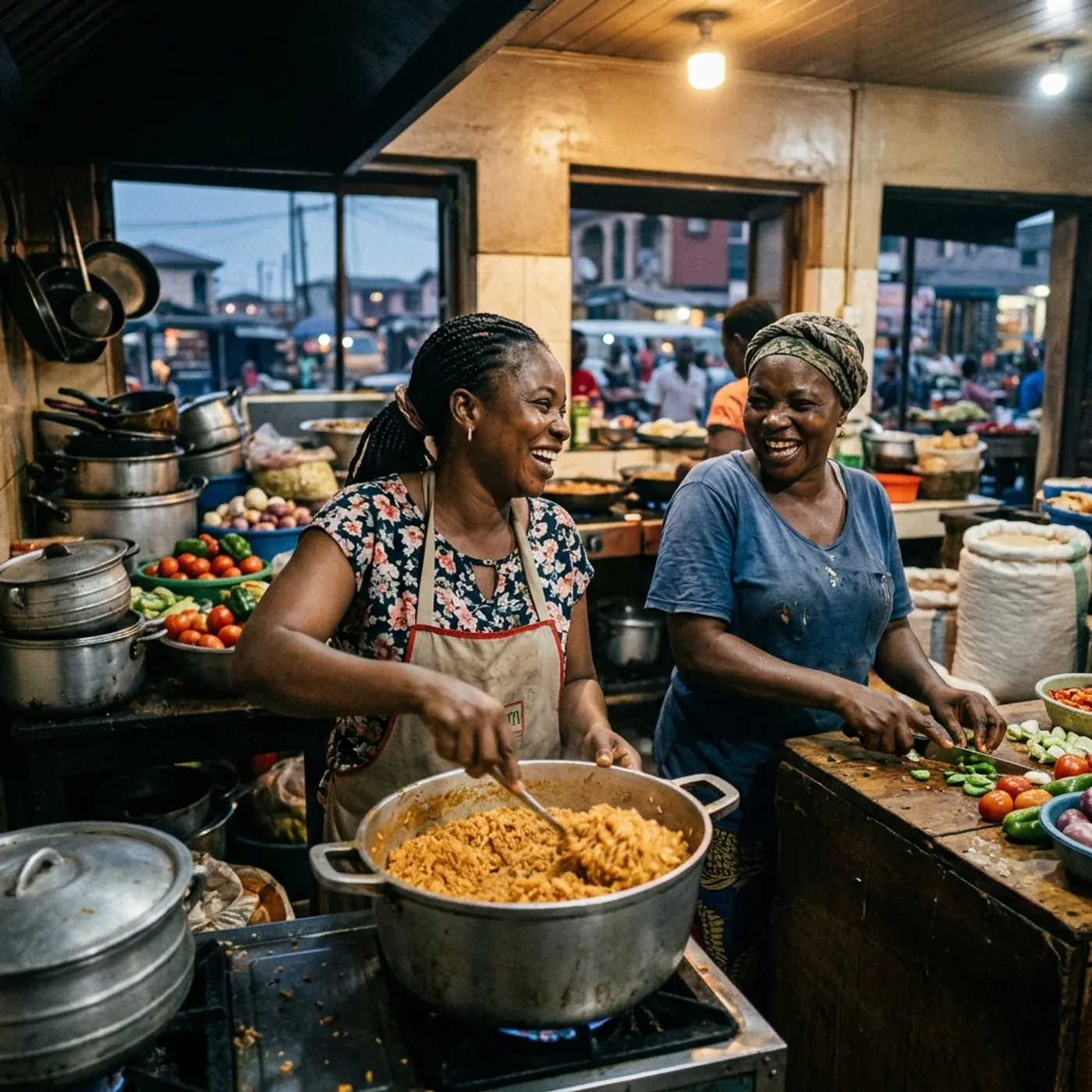
How to Keep Characters Consistent Across AI Video Scenes
Character consistency is the hardest part of AI video. Here's why characters drift between shots, and a practical, step-by-step workflow to keep the same AI actor looking and sounding the same across every scene.
More than images and video
Scripts, storyboards, motion, and characters in every version. Each one on its own, or all of them in a film.
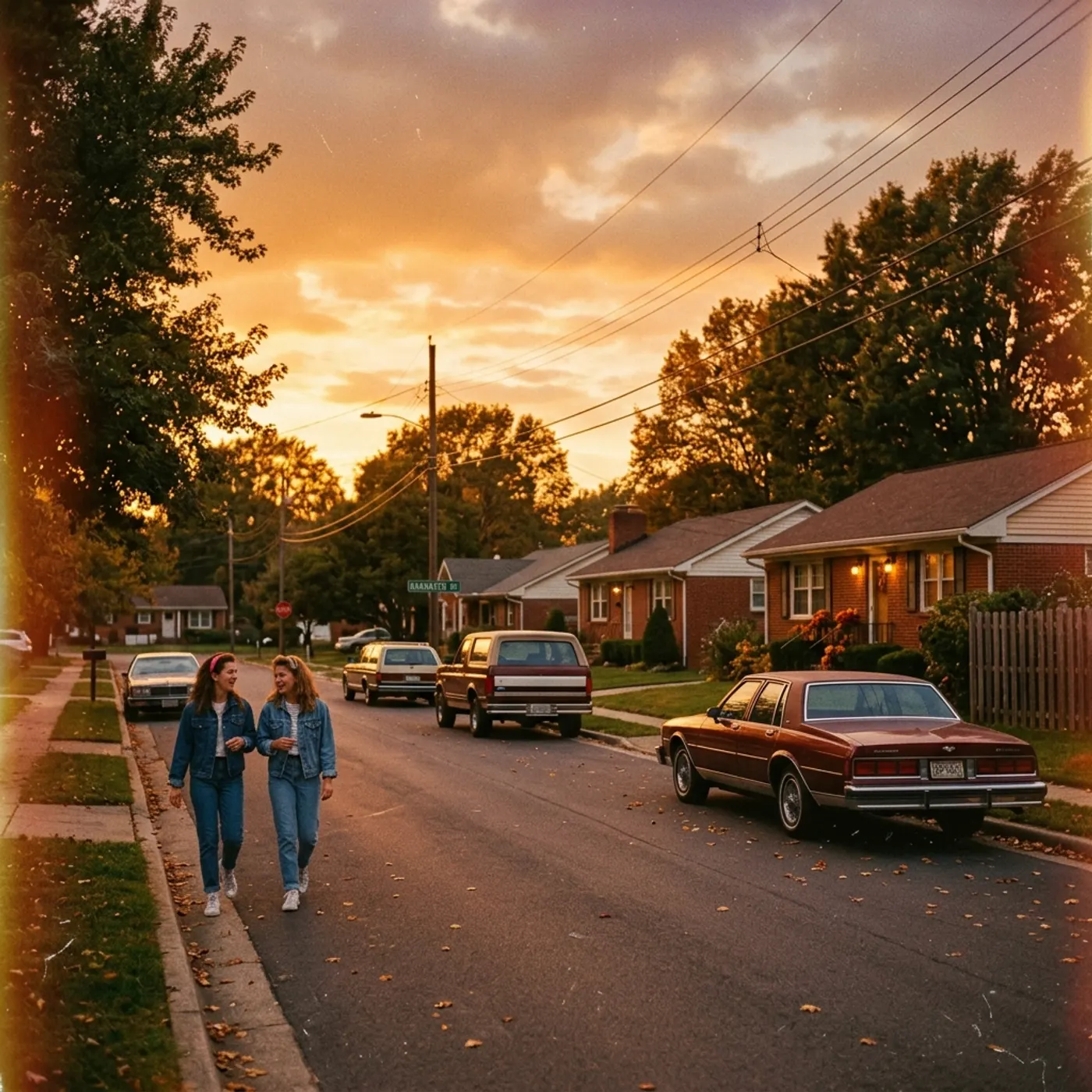
Write a script
An idea in, a properly formatted screenplay out. Edit any line, then board it or film it.
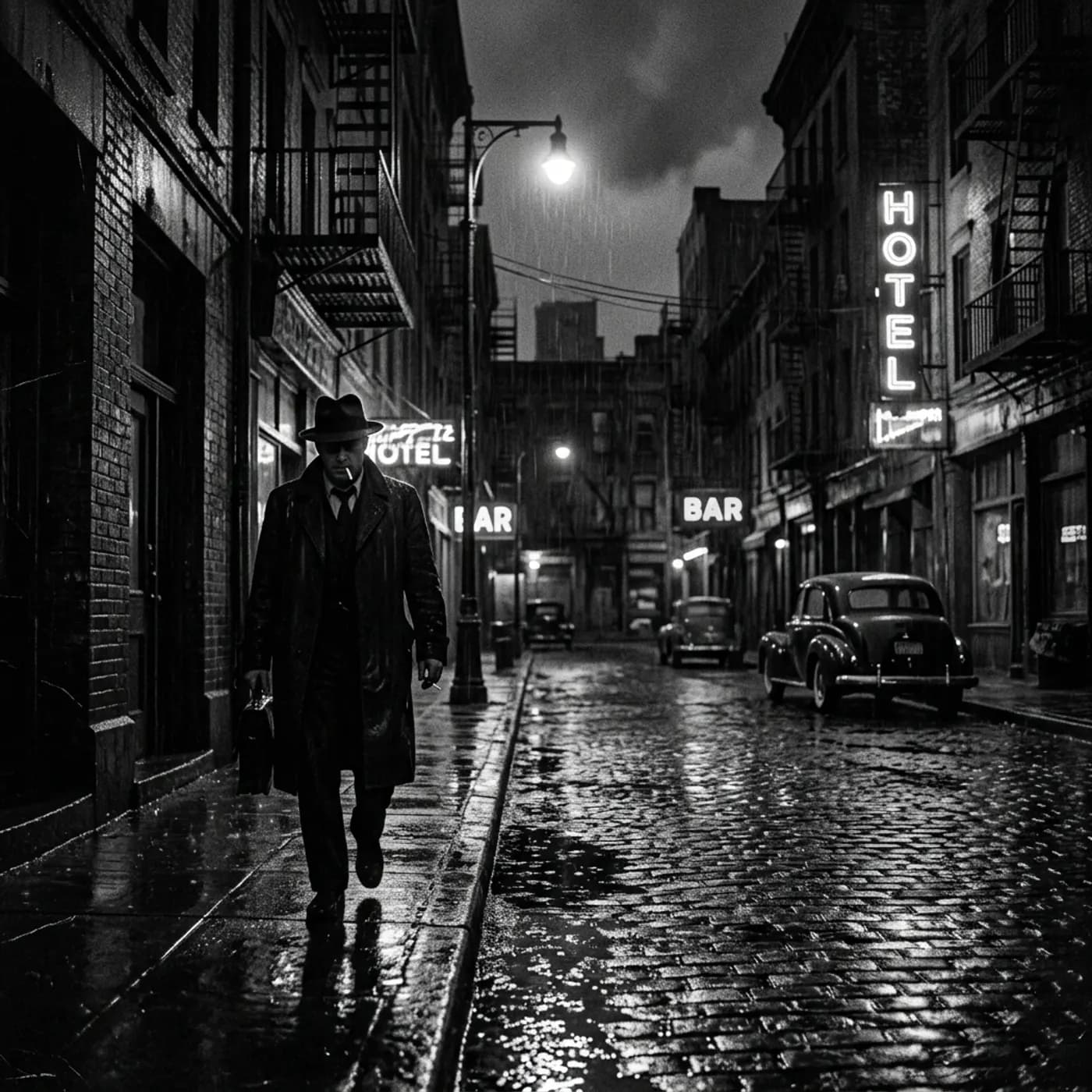
Board a storyboard
A panel for every shot, as AI stills or quick vector frames. Export it as a pitch deck.
Make motion
Titles, explainers and moving storyboards, drawn as vector animation by the AI you pick.
Characters, places, products
One subject in many versions, or new ideas for it. Every angle, look and light.
Your first film is one sentence away.
Free to start. Pay only for what you render.